How Does Augmented Reality Work? A Simple Guide to AR
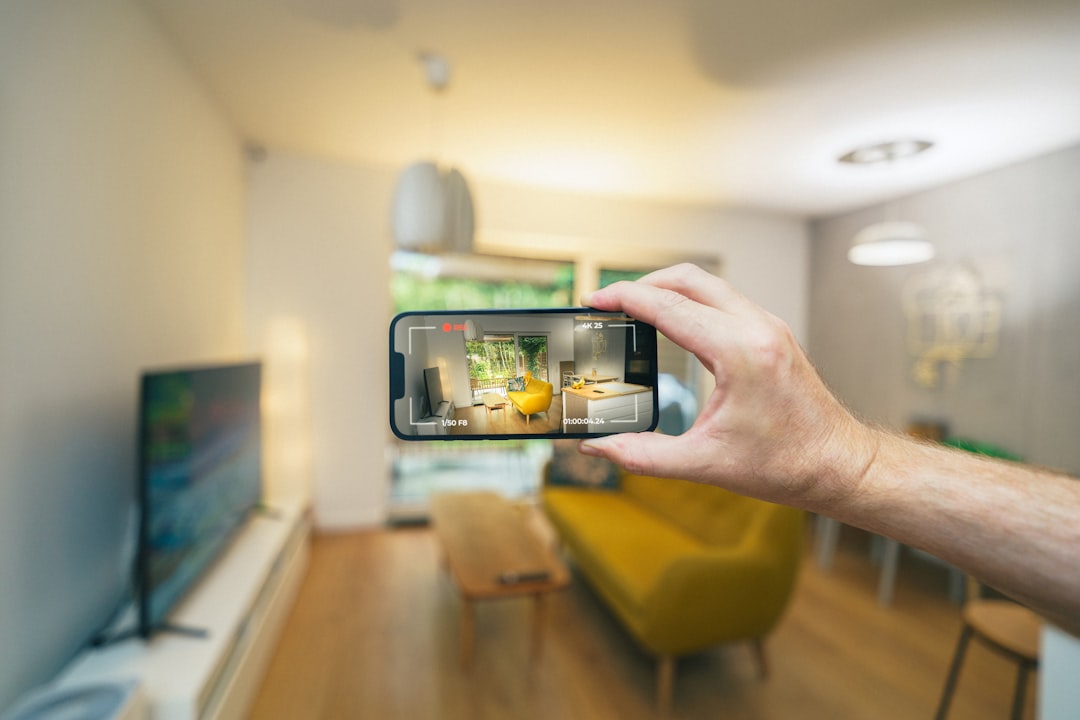
Your phone's camera points at a blank wall, and suddenly a virtual sofa appears sitting in your living room — sized correctly, casting a soft shadow, rotating as you walk around it. That's not a video game. That's augmented reality doing exactly what it was designed to do: layer digital information on top of the physical world in real time.
AR has been quietly embedded in everyday life for longer than most people realize. The yellow first-down line you see during an NFL broadcast? That's an early form of it. The face filters on social apps? Same underlying idea, just running on a phone instead of a broadcast truck. What's changed is the sophistication — and the hardware that makes it possible.
What Augmented Reality Actually Is — and What It Isn't
AR vs. VR: The Distinction That Actually Matters
Augmented reality adds digital content to a real environment. Virtual reality replaces the environment entirely. That single difference has enormous downstream consequences for hardware, software, and use cases. With VR, you're sealed off from the world. With AR, the real world stays visible — the digital layer has to fit into it convincingly.
Mixed reality (MR) is a term that gets thrown around as a synonym for AR, but it technically refers to a more advanced version where digital objects can interact with real-world surfaces. A virtual ball that bounces off your actual desk is mixed reality. A digital arrow floating in your field of view giving you directions is AR. The line blurs constantly in marketing, which is why the distinction rarely survives contact with a product launch.
There's also a common assumption that AR requires a headset. It doesn't. Most people experience AR through a smartphone screen — which is called "handheld AR" — and that category covers the vast majority of real-world AR use today.

How Does AR Actually Work? The Core Technology Explained
Tracking: Knowing Where You Are in the World
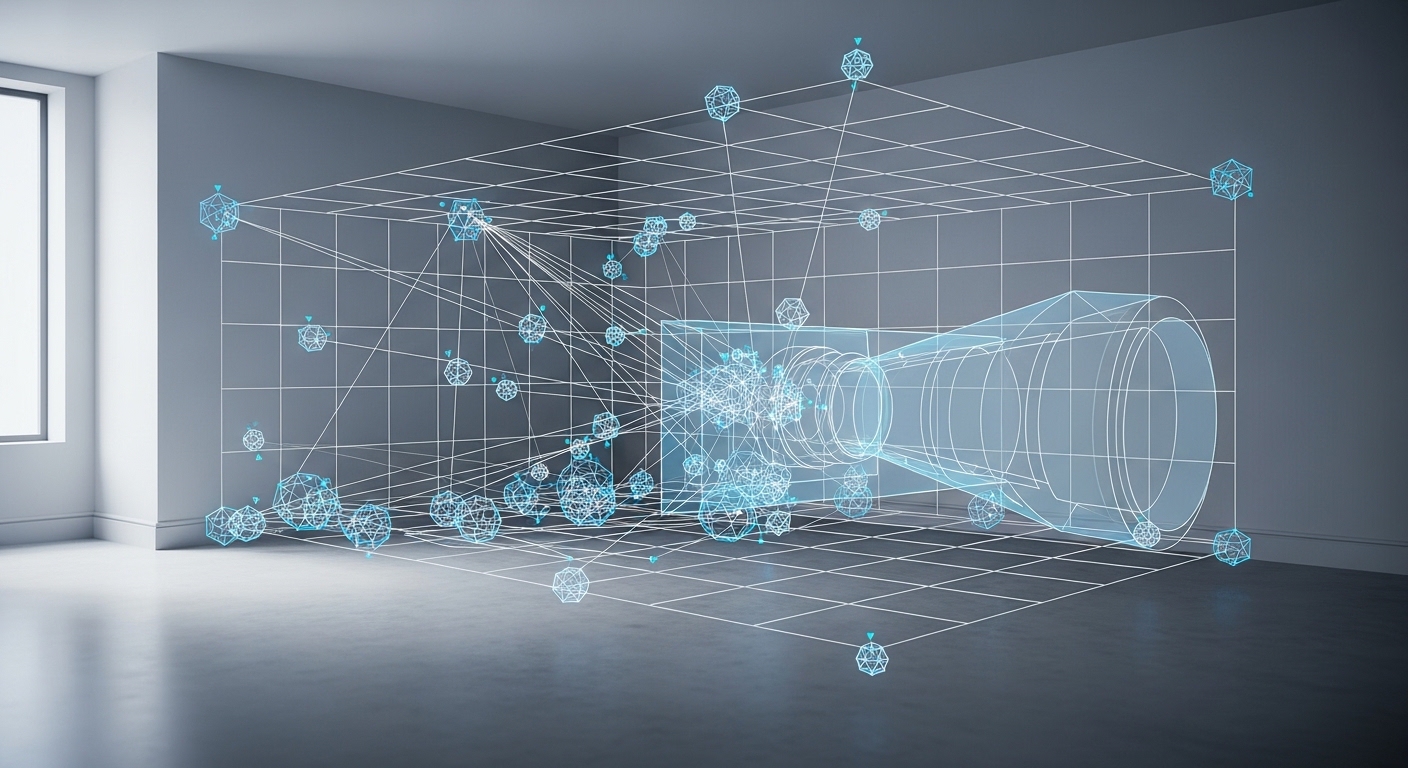
The foundational problem AR has to solve is deceptively simple to state and brutally hard to execute: the system needs to know, at every moment, exactly where the camera is in three-dimensional space. This is called tracking, and it's what determines whether a virtual object stays glued to a surface or drifts around like a balloon.
Most modern AR systems use a technique called Simultaneous Localization and Mapping, or SLAM. The camera captures the environment, identifies distinctive visual features — edges, corners, texture patterns — and uses those as reference points. As the camera moves, the system continuously recalculates its position relative to those anchors. It's doing this dozens of times per second.
Inertial measurement units (IMUs) — the accelerometers and gyroscopes already inside your phone — feed additional data into the tracking system. The combination of visual tracking and IMU data is what allows AR to feel stable even when you move quickly. Without the IMU, fast movements would cause the digital overlay to lag noticeably behind reality.
Rendering: Making Digital Objects Look Real
Once the system knows where it is, it has to draw something convincing. Rendering in AR is harder than rendering in a video game because the digital object has to match the lighting conditions of the real world — conditions the system didn't design and can't fully control.
Modern AR frameworks like Apple's ARKit and Google's ARCore use environmental light estimation. The camera analyzes the brightness and color temperature of the scene and adjusts the virtual object's shading accordingly. A white virtual cube placed in a room with warm incandescent lighting should look slightly amber, not sterile white. When this works well, you barely notice it. When it fails, the object looks pasted on — which is the fastest way to break the illusion.
Lighting estimation is the unsung hero of convincing AR. Get it wrong, and no amount of polygon count will make a virtual object look like it belongs in the room.
Anchoring: Keeping Digital Objects Where You Put Them
Anchors are coordinate markers that tell the AR system where a virtual object lives in the real world. When you place a virtual piece of furniture and walk away, then come back, the object should still be there. That persistence depends on the anchor surviving the gap — which requires the system to re-recognize the environment when you return.
Cloud anchors take this further, allowing multiple users to share the same AR experience. Two people in the same room can both see the same virtual object, positioned identically for both of them. This is technically demanding because it requires the anchor data to be stored and retrieved from a server in near-real-time.
Where AR Is Actually Being Used Right Now
Retail and Interior Design
IKEA's AR app — a well-documented, publicly available example — lets customers place true-to-scale 3D models of furniture in their homes before buying. The practical value is obvious: you stop guessing whether a bookcase will fit between two windows. What's less obvious is how much this reduces return rates, which is why retailers have invested heavily in it.
The same principle applies to eyewear. Several major optical retailers now offer virtual try-on tools that map your face geometry and overlay glasses frames in real time. It's not perfect — screen-based AR can't fully replicate how frames sit on your nose — but it narrows the decision considerably.
Industrial and Medical Applications
This is where AR gets genuinely impressive and largely invisible to the public. Aircraft maintenance technicians at some major carriers use AR headsets that overlay wiring diagrams directly onto the aircraft panel they're working on, eliminating the need to cross-reference paper manuals. The cognitive load reduction is significant — and in a field where a miswired connection can be catastrophic, that matters.
Surgical AR is an active research area. Systems that overlay imaging data — CT scans, MRI slices — onto a patient during a procedure are in various stages of clinical testing. The challenge is registration accuracy: the digital overlay has to match the patient's actual anatomy precisely, accounting for movement, tissue deformation, and the surgeon's changing viewpoint.
In industrial AR, the goal isn't to impress anyone — it's to put the right information exactly where the worker's eyes already are, at the exact moment they need it.

Why AR Is Harder to Get Right Than It Looks
The Latency Problem
Human perception is merciless about timing. Research suggests that visual latency above roughly 20 milliseconds becomes perceptible — you start to notice that the digital layer isn't quite keeping up with reality. At higher latencies, AR doesn't just look bad; it can cause nausea, for the same reason that motion sickness occurs when visual and vestibular signals disagree.
This is why AR on dedicated hardware — headsets with custom chips and direct sensor access — tends to feel more stable than smartphone AR. The phone has to share processing resources with the operating system, background apps, and a dozen other competing tasks. Every millisecond of processing delay is a millisecond of potential drift.
The Field-of-View Constraint
Optical see-through AR headsets — the kind where you look through a transparent display rather than a camera feed — have a persistent engineering problem: the field of view is narrow. Early consumer headsets delivered fields of view that felt like looking through a small window floating in front of your face. Expanding that field requires either larger optics (heavier, more expensive) or waveguide technology that's still maturing.
Anyone who tried an early-generation AR headset probably remembers the strange experience of a digital object "clipping" at the edge of the display — half of it visible, half of it just gone. That's not a software bug. It's a physical constraint of the optics.
(Opinion: The headset form factor remains AR's biggest unsolved problem — not the software, not the tracking, not even the battery life. Until AR glasses look like glasses and not like a prop from a science fiction film, mainstream consumer adoption will stay limited to smartphones.)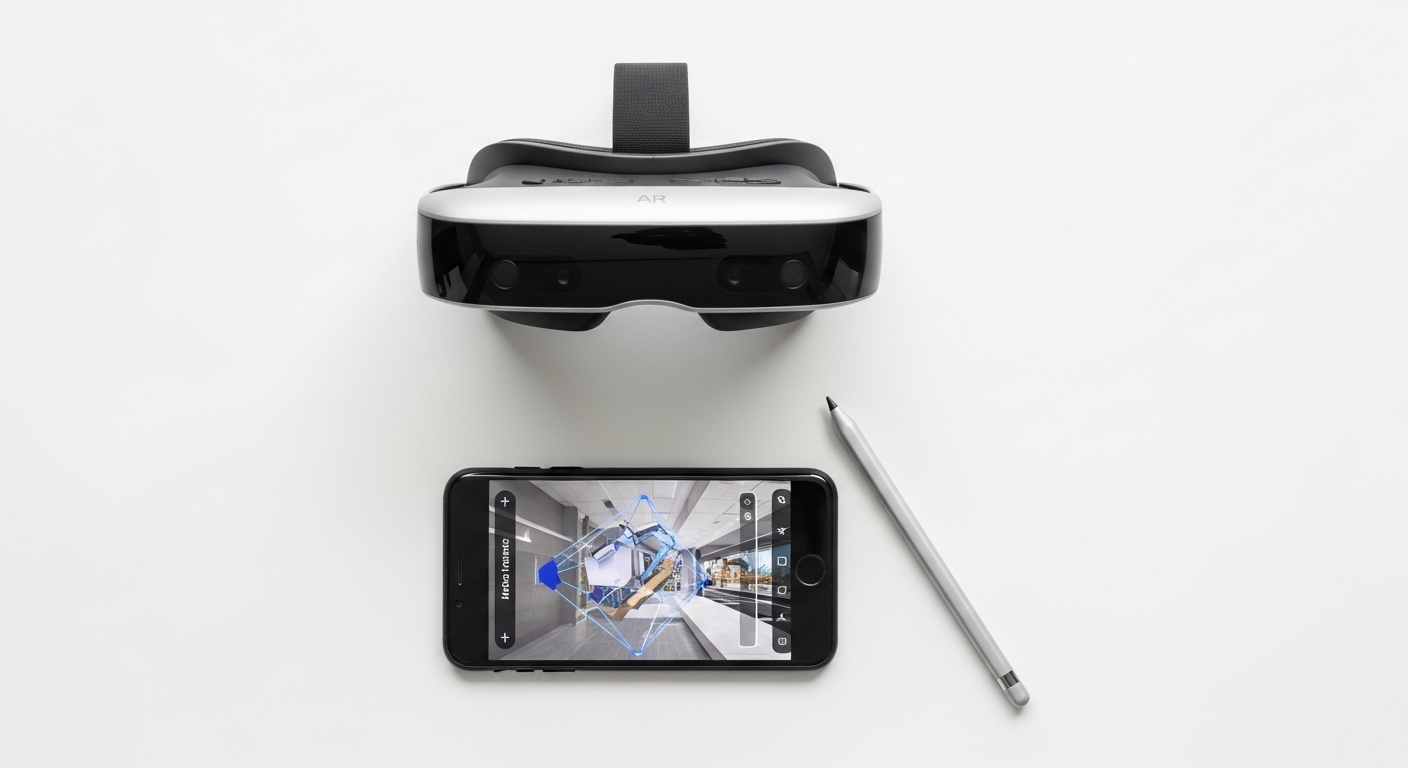
Frequently Asked Questions About Augmented Reality
Does AR work without an internet connection?
Basic AR — tracking surfaces, placing objects, running face filters — works entirely offline. The processing happens on-device. You only need an internet connection for features that require cloud data, like shared anchors, real-time map overlays, or downloading 3D model assets. Most smartphone AR apps function fine without a signal once they're loaded.
What's the difference between marker-based and markerless AR?
Marker-based AR uses a specific visual trigger — a QR code, a printed image, a logo — to anchor digital content. The system recognizes the marker and attaches the overlay to it. Markerless AR (also called location-based or surface-based AR) doesn't need a predefined trigger; it maps the environment in real time and places content based on detected surfaces or GPS coordinates. Most modern consumer AR is markerless.
Can AR cause eye strain or headaches?
Research suggests it can, particularly with prolonged use of headset-based AR. The main culprit is the vergence-accommodation conflict: your eyes converge on a virtual object at one distance while the display optics force them to focus at a different distance. Smartphone AR is generally less problematic because you're looking at a screen rather than through optics — the same way watching a movie doesn't cause the same strain as a headset might.
The most counterintuitive thing about augmented reality is that its hardest problems aren't computational — they're perceptual. Building a system that can track a room in real time is now a solved engineering problem. Building one that fools the human visual system into accepting a digital object as part of the physical world is something else entirely. The brain is extraordinarily good at detecting wrongness, even when it can't name what's wrong. That gap between "technically working" and "actually convincing" is where most of AR's remaining work lives — and it's a much stranger frontier than it first appears.



Comments
Post a Comment