What Is Backward Compatibility in Gaming? An Explainer
The PlayStation 5 launched in 2020 with the ability to play thousands of PlayStation 4 games — but it cannot play a single PlayStation 3 title. That single fact captures everything strange, political, and technically fascinating about backward compatibility in gaming. It is not a simple on/off feature. It is an engineering problem, a business decision, and a promise to players all tangled together.
What Is Backward Compatibility in Gaming?
The Plain-Language Definition
Backward compatibility means a newer device can run software designed for an older one. In gaming, that translates to: can your new console play the games you already own? The concept sounds simple, but the execution involves hardware architecture, software emulation, licensing agreements, and sometimes a fair amount of luck.
The term itself comes from engineering, where it describes systems designed to accept inputs or formats from previous generations. A USB-C port that accepts older USB-A devices through an adapter is backward compatible. A Blu-ray player that also reads DVDs is backward compatible. Gaming consoles follow the same logic — except the complexity is orders of magnitude higher.
Why It Is Harder Than It Sounds
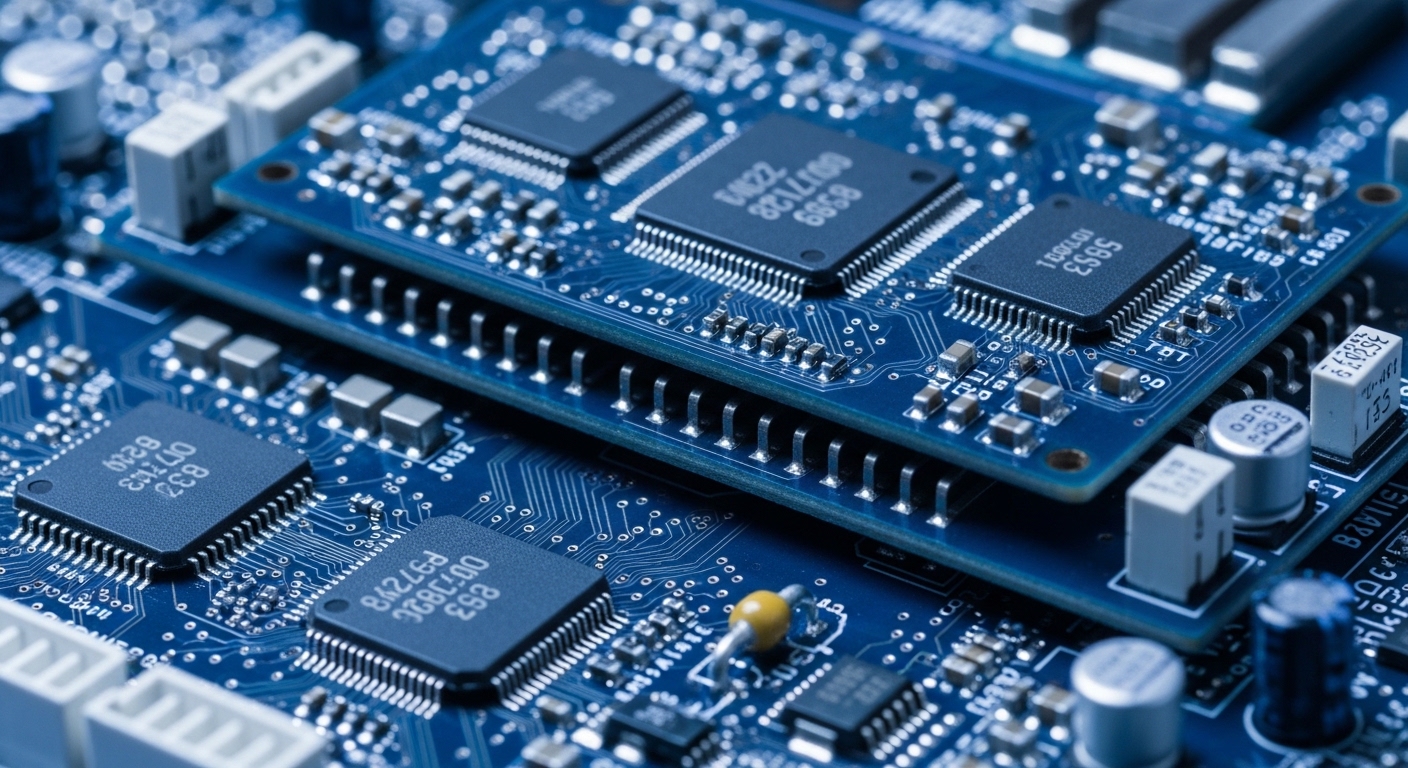
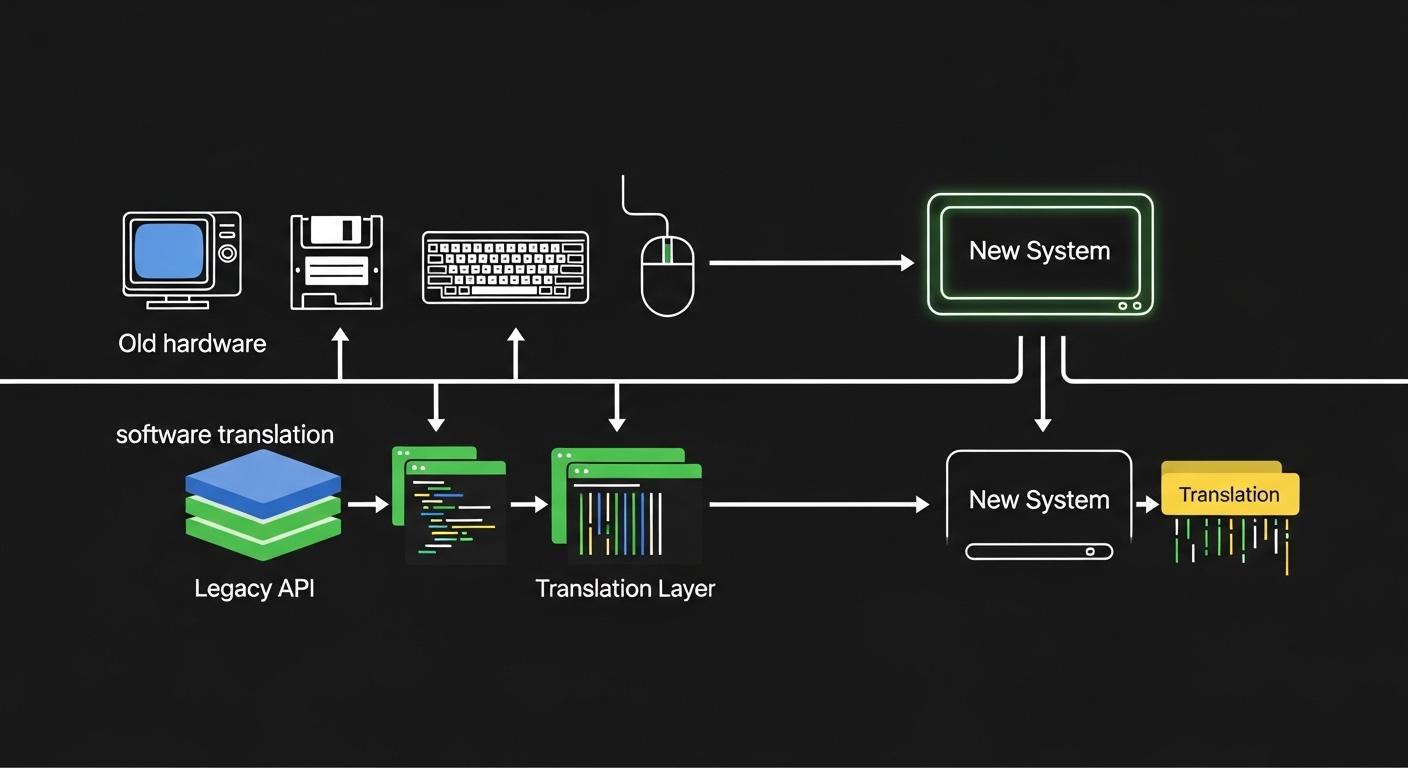
A game is not just code sitting on a disc. It is code written to talk to very specific hardware — a particular CPU, a particular GPU, a particular audio chip. When a new console uses completely different internal hardware, the old game has no idea how to speak to it. The new system has to either translate in real time (emulation) or include the old hardware physically inside the new box (native compatibility).
Real-time translation is computationally expensive. Some games run fine. Others hit edge cases — unusual timing tricks, obscure hardware quirks, copy-protection routines — that the emulation layer does not handle correctly. That is why backward compatibility lists often come with asterisks and caveats.
How Backward Compatibility Actually Works — The Two Main Approaches
Hardware Inclusion: The Expensive but Reliable Method
The most reliable way to make a new console play old games is to put the old console's hardware inside the new one. Early models of the PlayStation 3 did exactly this — they contained the Emotion Engine chip from the PS2, which meant PS2 games ran almost perfectly. Sony quietly removed that chip from later PS3 models to cut manufacturing costs, and PS2 compatibility disappeared with it.
If you owned a launch-era PS3, you paid for hardware that quietly vanished in the next revision. That is not a hypothetical frustration — millions of players discovered it when they tried to buy a cheaper PS3 model and found their PS2 library no longer worked.
Including old hardware inside a new console is the gold standard for compatibility — but it adds cost, heat, and physical space that manufacturers eventually decide they cannot justify.
Software Emulation: The Flexible but Imperfect Method
Emulation means writing software that mimics the behavior of old hardware. The new console's processor runs a program that pretends to be the old processor. Every instruction the old game sends gets intercepted, translated, and re-executed on the new hardware. Done well, it is nearly invisible. Done poorly, you get frame rate drops, audio glitches, or games that simply refuse to boot.
Microsoft's approach with Xbox backward compatibility is widely considered the industry benchmark. Their team built a software layer that runs original Xbox and Xbox 360 games on modern Xbox hardware, and in many cases the games actually run better than they did originally — higher frame rates, improved resolution. That is a genuinely counterintuitive result: old games performing better on new hardware than they ever did on the hardware they were designed for.
The reason it works is that modern processors are so much faster than the originals that the emulation overhead barely registers. The new chip has processing headroom to spare, so it can handle the translation cost and still push the game harder than the original ever could.
Where Backward Compatibility Has Shaped Gaming History
The Game Boy Line: A Master Class in Continuity
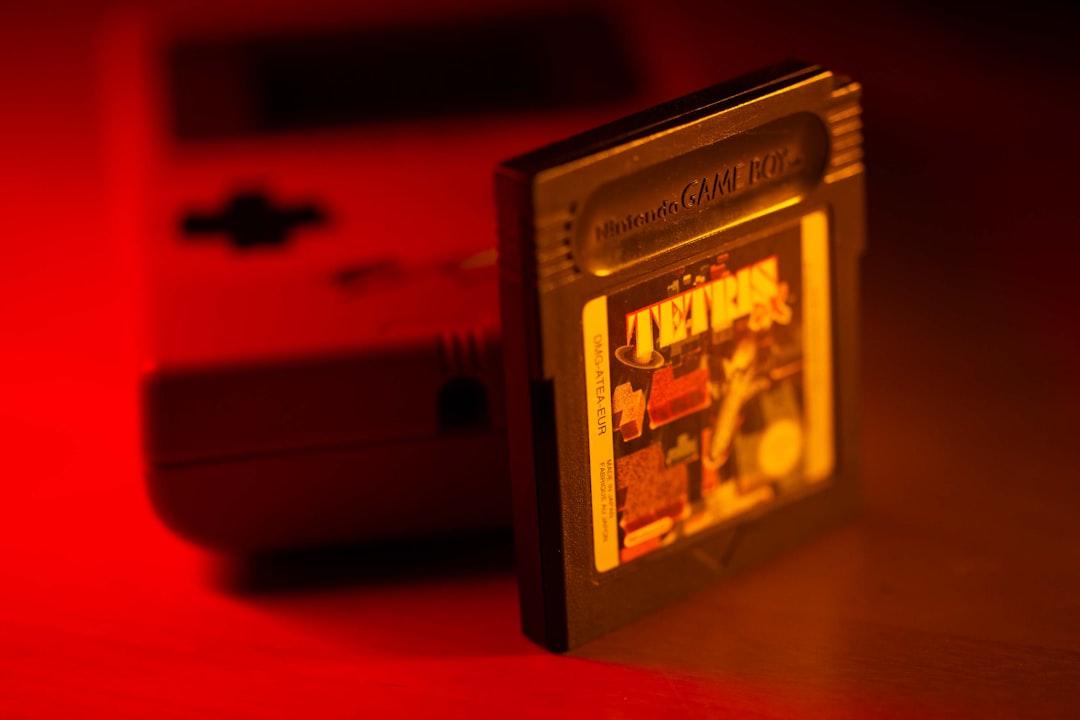
Nintendo's Game Boy line is one of the longest-running examples of backward compatibility done right. The Game Boy Color played original Game Boy cartridges. The Game Boy Advance played both Game Boy and Game Boy Color cartridges. That chain of compatibility stretched across roughly a decade and meant players never felt forced to abandon their libraries when they upgraded hardware.
It also created a practical side effect: the used game market stayed healthy because older cartridges remained playable on current hardware. Backward compatibility is not just a technical feature — it has real economic consequences for how games hold their value.
The Sega Saturn: A Cautionary Tale
Sega's history offers the opposite lesson. The Saturn had almost no backward compatibility with the Sega Genesis, and the Dreamcast had none with the Saturn. Each console launch felt like starting from zero. That pattern contributed to player fatigue and eroded the trust that keeps a hardware ecosystem alive. The Dreamcast was actually a technically impressive machine, but by the time it launched, a meaningful portion of Sega's audience had already decided the relationship was not worth maintaining.
Backward compatibility is partly a technical feature and partly a loyalty signal — players who feel their libraries are respected are far more likely to follow a platform into the next generation.
Why Backward Compatibility Matters More Than Most Gamers Realize
The Library Is the Platform
A console without games is just an expensive box. The library of available titles is the actual product players are buying into. Backward compatibility dramatically expands that library on day one of a new console launch — instead of launching with a handful of new titles, the new hardware immediately has access to everything the previous generation offered.
This matters most in the first year of a console's life, when the new game library is still thin. The PlayStation 5's ability to run PS4 games meant players had thousands of titles available at launch, which softened the usual pain of a hardware transition.
Digital Libraries and the Ownership Question
The shift toward digital game purchases has made backward compatibility a more charged issue. When you buy a physical disc, you have a physical object. When you buy a digital game, you have a license — and whether that license carries forward to new hardware is entirely up to the platform holder. Sony, Microsoft, and Nintendo have all handled this differently across generations, and the inconsistency has left players genuinely uncertain about what they actually own.
Research into consumer behavior suggests that perceived ownership strongly influences purchasing decisions. Players who feel their digital libraries are secure are more willing to spend on new titles. Players who feel burned by a platform abandoning their purchases tend to become cautious — or leave the ecosystem entirely.
(Opinion: The industry has not fully reckoned with what it means to sell digital goods that can become inaccessible when servers shut down or platform policies change. Backward compatibility is the hardware version of that problem, and the software version — game preservation at scale — is arguably more urgent and far less discussed.)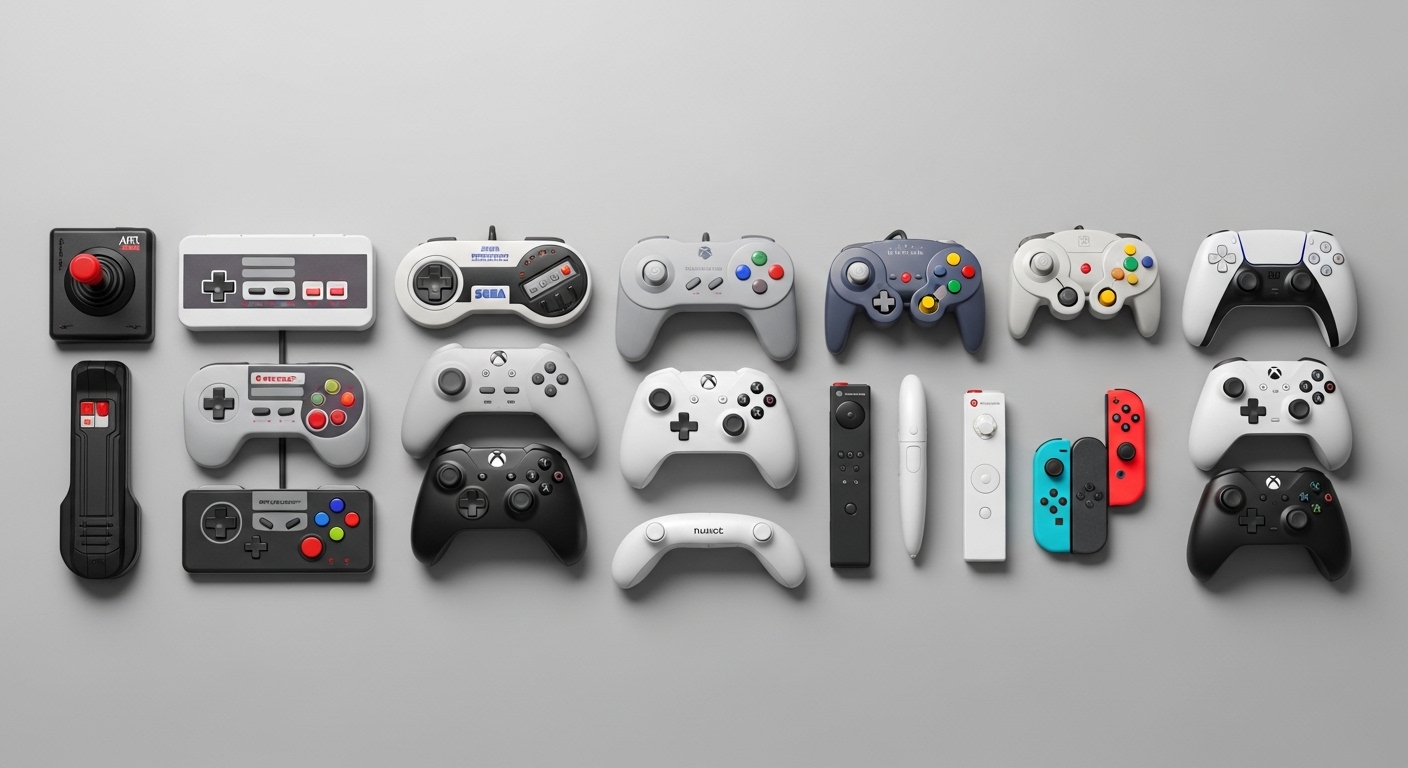
Frequently Asked Questions
Does backward compatibility affect game performance?
It depends on the method used. Hardware-based compatibility typically delivers performance identical to the original console. Software emulation can go either way — some games run worse due to emulation overhead, while others actually run better because modern processors have far more raw power than the original hardware. Microsoft's Xbox backward compatibility program has demonstrated that older games can run at higher frame rates and resolutions than they originally did.
Why don't all consoles just support backward compatibility?
Cost and architecture are the two main barriers. Including old hardware inside a new console adds manufacturing expense. Software emulation requires significant engineering investment and does not work perfectly for every title. When console makers change CPU or GPU architectures between generations — which they often do to take advantage of newer, cheaper chips — the translation problem becomes exponentially harder. Business decisions also play a role: selling remastered versions of old games is more profitable than giving players free access to originals.
Can backward compatibility ever go too far — or actually hurt a platform?
This is the counterintuitive one. Some developers and analysts argue that strong backward compatibility can slow the adoption of new hardware features. If players are content running old games on new hardware, there is less pressure on developers to build titles that push the new platform's capabilities. The result can be a generation that feels like an extension of the previous one rather than a genuine leap forward. It is a real tension, and different platform holders have landed in different places on it.
The deepest irony in this whole conversation is that the games most worth preserving — the ones that defined eras, that players return to decades later — are often the hardest to keep running. They were built on hardware that no longer exists, using techniques that emulators struggle to replicate cleanly. Backward compatibility as a commercial feature solves the problem for recent generations. The further back you go, the more the answer shifts from engineering to archaeology.


Comments
Post a Comment