What Is Monitor Refresh Rate? A Simple Explainer for Gamers and Creatives
A 60Hz monitor redraws its image 60 times every second. That single number — the refresh rate — shapes everything from how smooth your games feel to whether your eyes ache after a long editing session. Yet most people buy monitors without fully understanding what it means or why it matters for their specific workflow.
What Is Monitor Refresh Rate, Exactly?
The Plain-Language Definition
Refresh rate is the number of times per second your monitor completely redraws the image on screen, measured in hertz (Hz). Think of it like a flipbook: more pages flipped per second means smoother, more fluid motion. A 144Hz monitor flips through 144 unique frames every second, while a 60Hz monitor manages only 60.
This is different from frame rate, which is how many frames your graphics card or CPU actually produces per second (measured in FPS). The monitor's refresh rate is a hardware ceiling — your display can only show as many frames as it's physically capable of cycling through. If your GPU pushes out 200 frames per second but your monitor is only 60Hz, you're only ever seeing 60 of those frames.
How Hertz Actually Works on a Screen
Modern monitors use a grid of pixels that are continuously refreshed by electrical signals. At 60Hz, each full refresh cycle takes roughly 16.7 milliseconds. At 240Hz, that drops to about 4.2 milliseconds. That gap might sound trivial, but in fast-moving scenes — a racing game, a first-person shooter, or even a scrolling timeline in a video editor — it translates into a very real difference in perceived smoothness.
How Refresh Rate Works — The Mechanism Behind the Smoothness
The Signal Chain from GPU to Screen
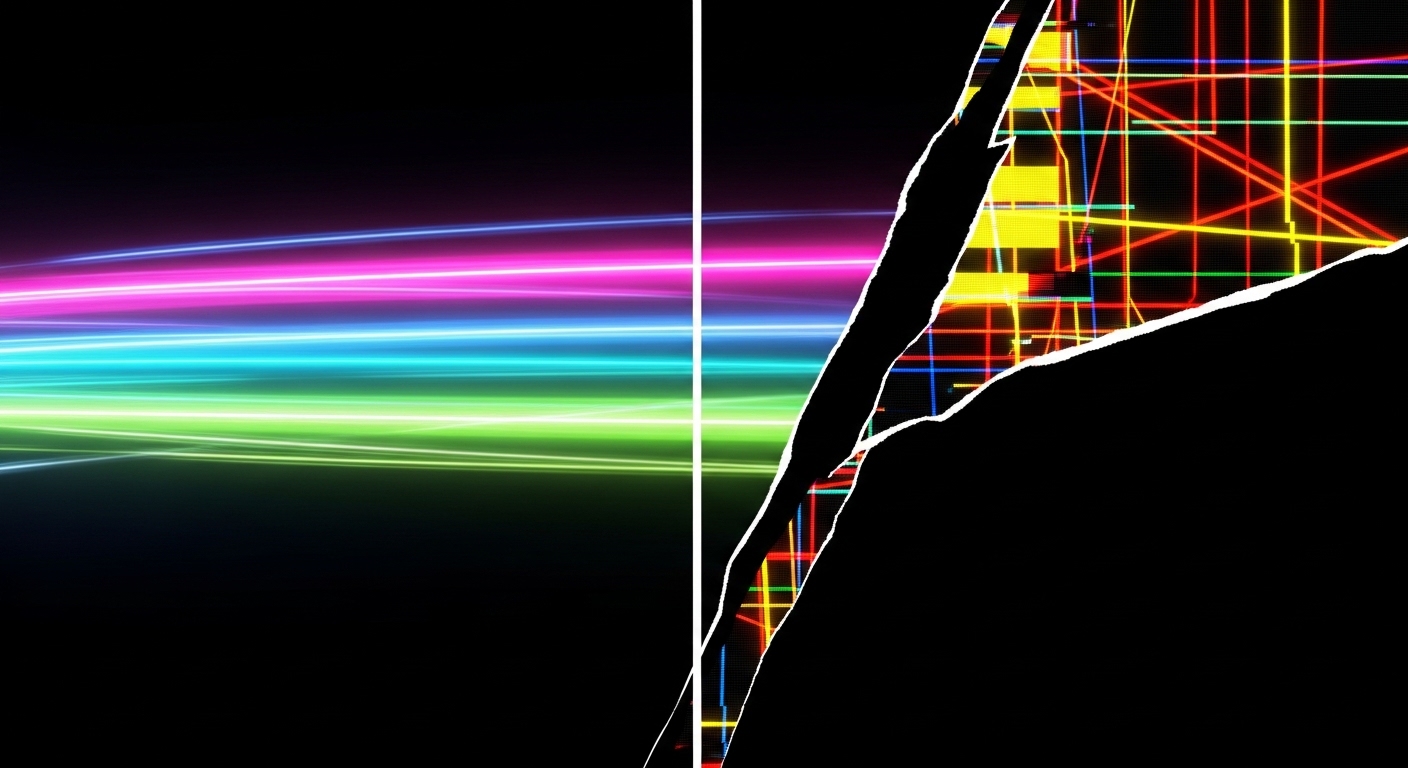
Your graphics card renders a frame and sends it through a cable — DisplayPort or HDMI — to the monitor. The monitor's panel then displays that frame until the next refresh cycle begins. If the GPU delivers a new frame before the monitor has finished displaying the current one, you can get a visual artifact called screen tearing, where two frames appear split across the screen at the same time.
Technologies like NVIDIA G-Sync and AMD FreeSync were developed specifically to solve this. They allow the monitor's refresh rate to dynamically sync with the GPU's output, so the screen only updates when a complete new frame is ready. The result is a tear-free image even when frame rates fluctuate — which they almost always do in real games.
Variable Refresh Rate vs. Fixed Refresh Rate
Older monitors ran at a fixed refresh rate — always 60Hz, no exceptions. Modern adaptive sync panels can vary their refresh rate within a range, say 48Hz to 165Hz, matching whatever the GPU is producing at any given moment. For gamers, this is a significant quality-of-life upgrade. For video editors and colorists, a stable, well-calibrated panel often matters more than a high peak refresh rate.
Screen tearing isn't just ugly — it can actively hurt your aim in competitive games, because your brain processes the split image as a visual stutter that delays reaction time.
Refresh Rate in Gaming vs. Creative Work — Two Very Different Needs
What Refresh Rate Means for Gamers
In competitive gaming, higher refresh rates deliver a measurable advantage. Research suggests that players on 144Hz or higher monitors can react faster and track moving targets more accurately compared to those on 60Hz panels. The improvement from 60Hz to 144Hz is widely considered the most impactful jump — the gains from 240Hz to 360Hz are real but noticeably smaller.
A well-documented real-world example: professional esports players in titles like Counter-Strike have used 240Hz and even 360Hz monitors for years, not as a marketing gimmick but because at the highest levels of play, every millisecond of input-to-display latency matters. Many tournament organizers now specify minimum refresh rate requirements for competition hardware.
What Refresh Rate Means for Creatives
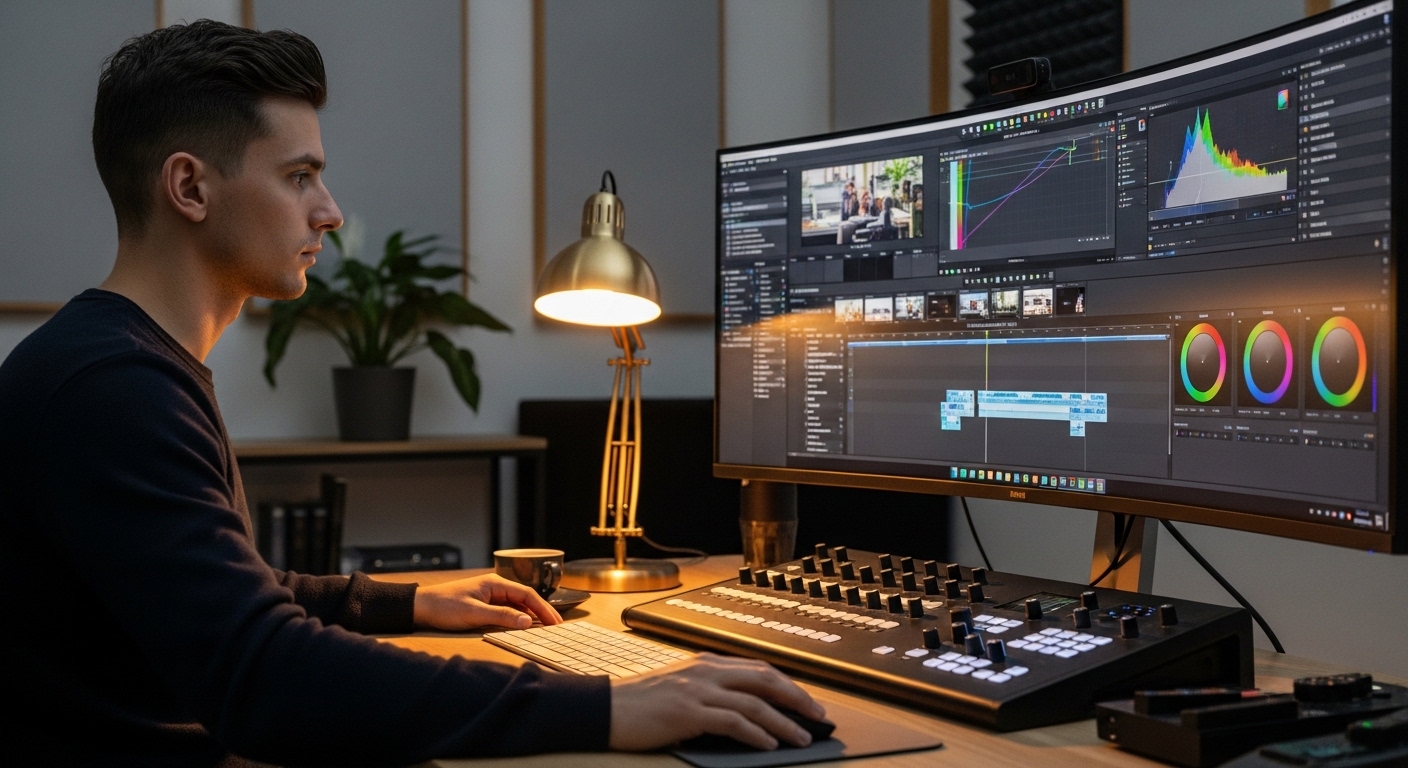
For photographers, video editors, and graphic designers, the calculus is different. A colorist working in a professional editing suite cares far more about color accuracy, panel bit depth, and calibration stability than whether the monitor runs at 60Hz or 120Hz. Most professional color-critical work is still done on 60Hz panels with wide color gamuts and precise factory calibration.
That said, video editors working with high-frame-rate footage — 120fps drone footage, for example — genuinely benefit from a higher-refresh monitor when scrubbing timelines, because the playback preview looks closer to the final output. It's a workflow comfort improvement, not a strict necessity.
(Opinion: The industry has done a poor job of explaining that refresh rate is not a universal upgrade. Spending extra money on a 240Hz panel when you're a photographer is almost always the wrong call — that budget is far better spent on a monitor with better color coverage and a hardware calibration sensor.)The jump from 60Hz to 144Hz is one of the most noticeable hardware upgrades a gamer can make — more immediately felt than most GPU upgrades at the same price point.
How to Choose the Right Refresh Rate for Your Setup in 2026
Matching Refresh Rate to Your GPU
There's no point in buying a 240Hz monitor if your graphics card regularly struggles to push past 80 FPS in the games you play. The monitor's refresh rate and your GPU's average frame output should be reasonably matched. A mid-range GPU paired with a 144Hz monitor is a smarter combination than a budget GPU paired with a 240Hz panel where the extra headroom will rarely be used.
Check benchmarks for the specific games you play at your target resolution. If you're gaming at 4K, even high-end GPUs in 2026 often hover in the 60–120 FPS range in demanding titles, making a 144Hz panel a practical ceiling rather than a bottleneck.
Panel Type Also Matters
Refresh rate doesn't exist in isolation. The panel technology — IPS, VA, or OLED — affects how that refresh rate actually looks. OLED panels, which have become more affordable in 2026, offer near-instant pixel response times that make high refresh rates look exceptionally clean, with virtually no motion blur. IPS panels balance color accuracy with decent response times. VA panels often have slower pixel transitions that can cause ghosting even at high refresh rates.
A surprising fact: a well-tuned 144Hz OLED monitor can look subjectively smoother than a poorly tuned 240Hz IPS panel, because pixel response time and refresh rate work together to determine actual motion clarity. Refresh rate is only half the story.
Frequently Asked Questions
Does a higher refresh rate reduce eye strain?
Research suggests that higher refresh rates can reduce perceived flicker, which some people associate with eye fatigue during long sessions. However, eye strain is also heavily influenced by screen brightness, blue light levels, viewing distance, and how often you take breaks. A higher refresh rate alone is not a guaranteed fix for eye discomfort.
Can the human eye actually see above 60Hz?
Yes — this is one of the most persistent myths in the monitor world. The human visual system can detect differences well above 60Hz, and studies have demonstrated perception of motion differences at 120Hz, 144Hz, and beyond. The exact upper limit varies by individual and context, but the idea that 60Hz is "enough for the human eye" is not supported by current research.
Do I need a special cable to get 144Hz or higher?
Yes, cable choice matters. To reliably achieve 144Hz at 1080p or 1440p, you generally need a DisplayPort 1.4 cable or an HDMI 2.0 or higher cable. Older HDMI versions may cap your refresh rate lower than your monitor supports. Always check the cable specification against your monitor's requirements, especially at higher resolutions like 4K.
Refresh rate is one of those specs that sounds technical but has an immediate, physical impact the moment you sit down in front of a monitor that matches your needs. Whether you're chasing frames in a competitive shooter or scrubbing through 4K footage on a color-accurate panel, understanding what this number actually means puts you in a far better position to spend your money wisely — and to get the most out of every hour you spend in front of a screen.



Comments
Post a Comment