CPU vs. GPU: What's the Difference and What Really Matters for You?
Your CPU processes roughly 100 billion instructions per second. Your GPU can handle trillions. And yet, for most everyday computing tasks, the GPU just sits there waiting. Understanding why that gap exists — and when it actually matters — is more useful than any spec sheet comparison.
| Option | Best For | Our Pick |
|---|---|---|
| CPU | General computing, single-threaded tasks, logic-heavy workloads | Everyday users, developers, office work |
| GPU | Parallel processing, graphics, AI/ML training, video rendering | Gamers, creators, data scientists |
What Is a CPU? The Brain Behind Every Instruction
How a CPU Thinks
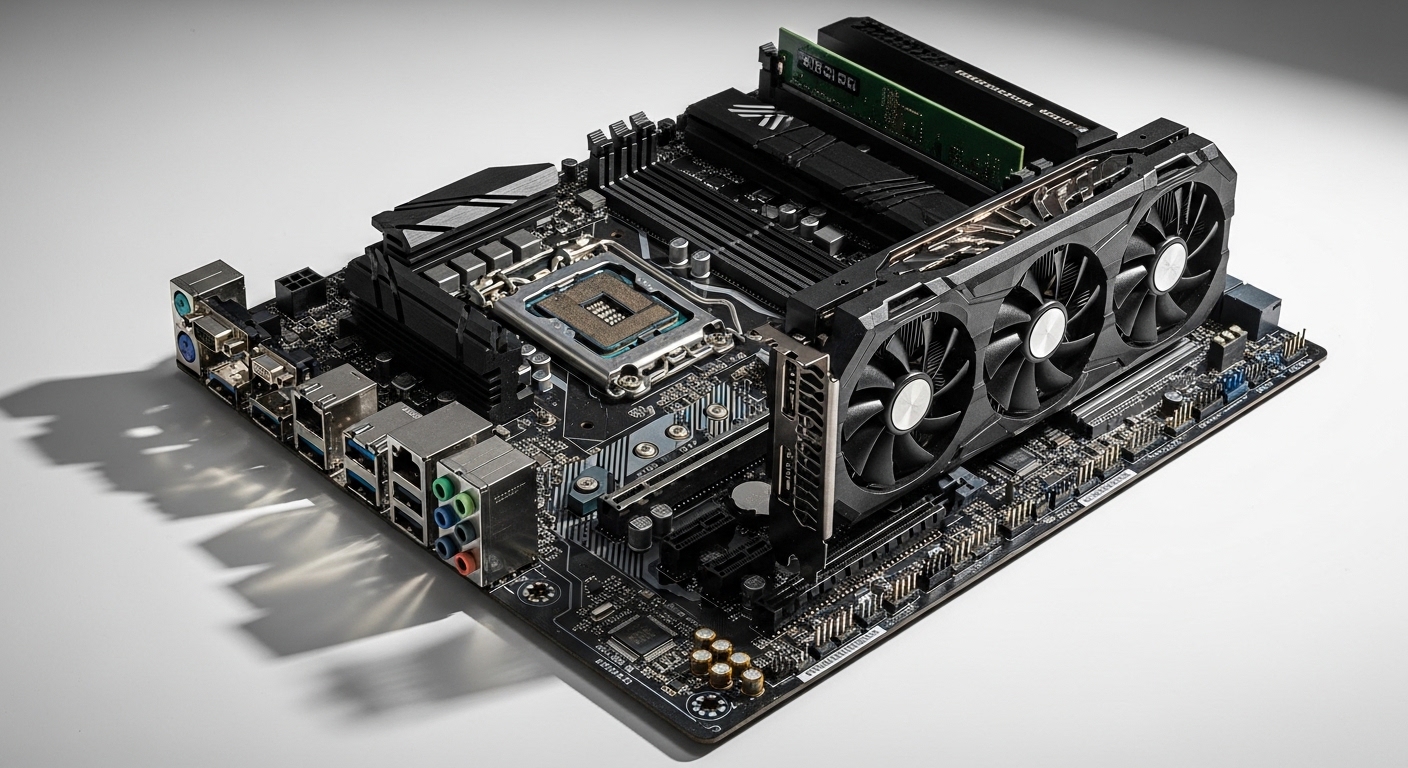
A CPU — Central Processing Unit — is designed to handle one task at a time, but handle it extremely well. Modern CPUs typically have somewhere between 4 and 24 cores for consumer chips, each capable of executing complex, branching logic at very high clock speeds. That architecture makes them ideal for anything that requires sequential decision-making: loading an operating system, running a browser, compiling code.
The key design philosophy is low latency. A CPU is optimized to start and finish a single thread of instructions as fast as physically possible. It has large, sophisticated cache memory sitting right next to the cores specifically to avoid waiting on slower system RAM. That cache hierarchy — L1, L2, L3 — is one of the most expensive parts of a modern chip to manufacture.
A concrete example: when you open a spreadsheet and type a formula, the CPU is parsing your input, checking syntax, fetching the relevant cell data, computing the result, and rendering it to screen — all in a strict sequence, all in milliseconds. No part of that chain benefits from having thousands of parallel workers. It needs one very fast, very smart worker.

What Is a GPU? The Parallel Processing Powerhouse
Why Thousands of Cores Beat Dozens
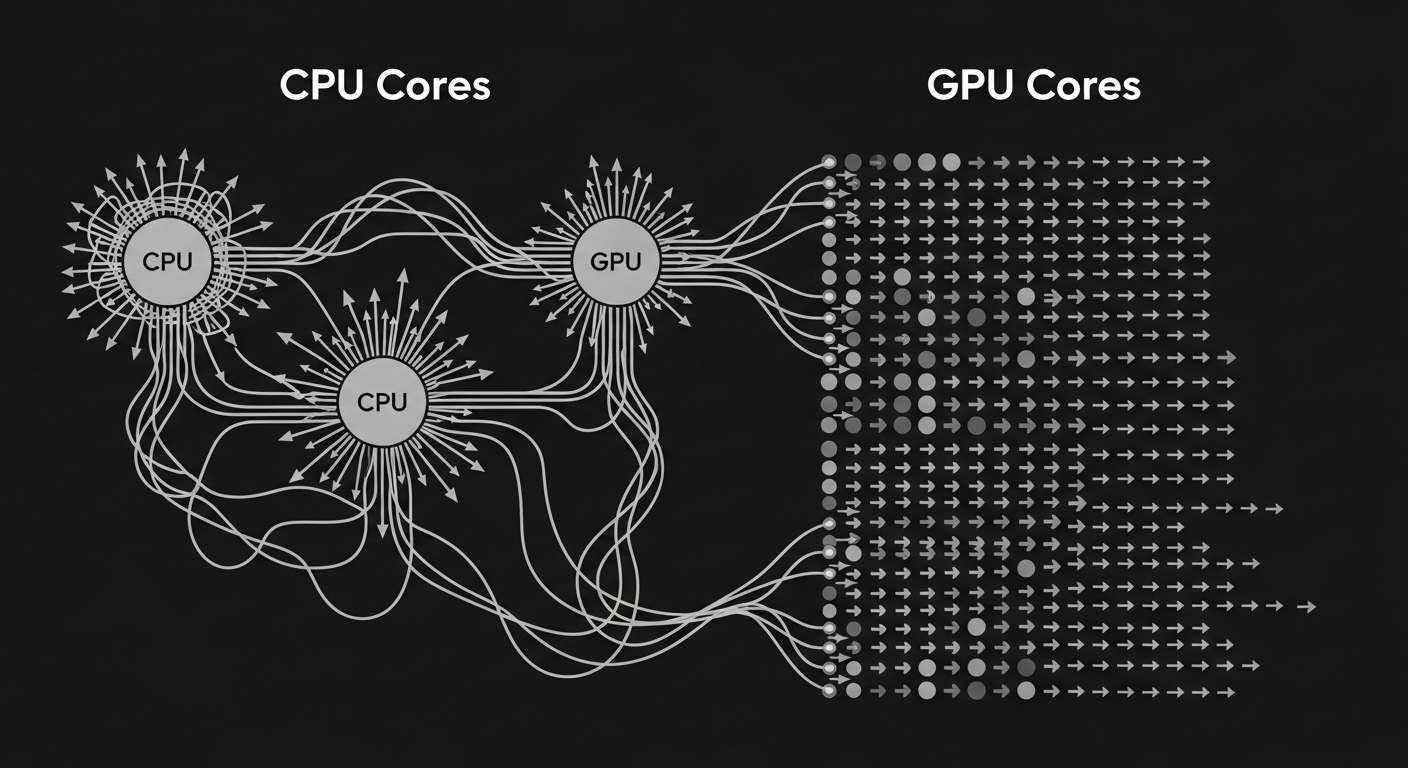
A GPU — Graphics Processing Unit — was originally built to render pixels. Rendering a 1080p frame means computing color, lighting, and depth for over two million pixels simultaneously. Doing that sequentially would be laughably slow. So GPU designers took the opposite approach from CPU designers: pack in as many simple cores as possible, even if each individual core is far less capable than a CPU core.
A high-end consumer GPU today can carry thousands of shader cores. Each one is relatively simple — it can't handle complex branching logic the way a CPU core can — but when you need to apply the same mathematical operation to millions of data points at once, that simplicity becomes a superpower. This is called SIMD processing: Single Instruction, Multiple Data.
A GPU doesn't think faster than a CPU — it thinks the same thought simultaneously across thousands of data points. That distinction changes everything about when to use one.
The shift that nobody fully predicted in the early 2000s was that this same parallel architecture turned out to be perfect for machine learning. Training a neural network is essentially applying the same matrix multiplication operation across enormous datasets, over and over. GPUs were already built for exactly that kind of work. The AI boom didn't create GPU demand — it revealed a capability that was already there.
Integrated vs. Discrete GPUs
Most modern CPUs include a basic GPU built directly onto the same chip — called an integrated GPU. It shares system RAM and handles light graphics tasks without needing a separate card. For web browsing, video calls, and casual use, integrated graphics are genuinely fine. A discrete GPU is a separate card with its own dedicated video memory (VRAM), its own cooling, and dramatically more processing power. The gap between integrated and discrete can be enormous — we're talking about the difference between running a modern game at low settings versus high settings at high frame rates.
CPU vs. GPU Head-to-Head: Feature Comparison
Where Each Chip Wins and Loses
| Feature | CPU | GPU |
|---|---|---|
| Core count (typical consumer) | 4–24 cores | Thousands of shader cores |
| Clock speed | High (3–6 GHz typical) | Lower per core (1–3 GHz typical) |
| Task type | Sequential, logic-heavy | Parallel, math-heavy |
| Memory | Uses system RAM + large cache | Dedicated VRAM, high bandwidth |
| AI/ML training | Slow | Extremely fast |
| Gaming | Handles game logic | Handles rendering |
| Video editing | Moderate | Much faster with acceleration |
| Web browsing / office work | Excellent | Mostly idle |
| Power consumption | Lower (15–125W typical) | Higher (75–450W for discrete) |
| Cost | Lower for equivalent performance tier | Can be significantly more expensive |
One detail that rarely makes it into comparison articles: CPUs handle something called 'out-of-order execution,' where the chip reorders incoming instructions to avoid idle cycles while waiting on memory. GPUs don't do this — they hide memory latency by simply switching to a different thread. Two completely different solutions to the same problem of waiting on data.
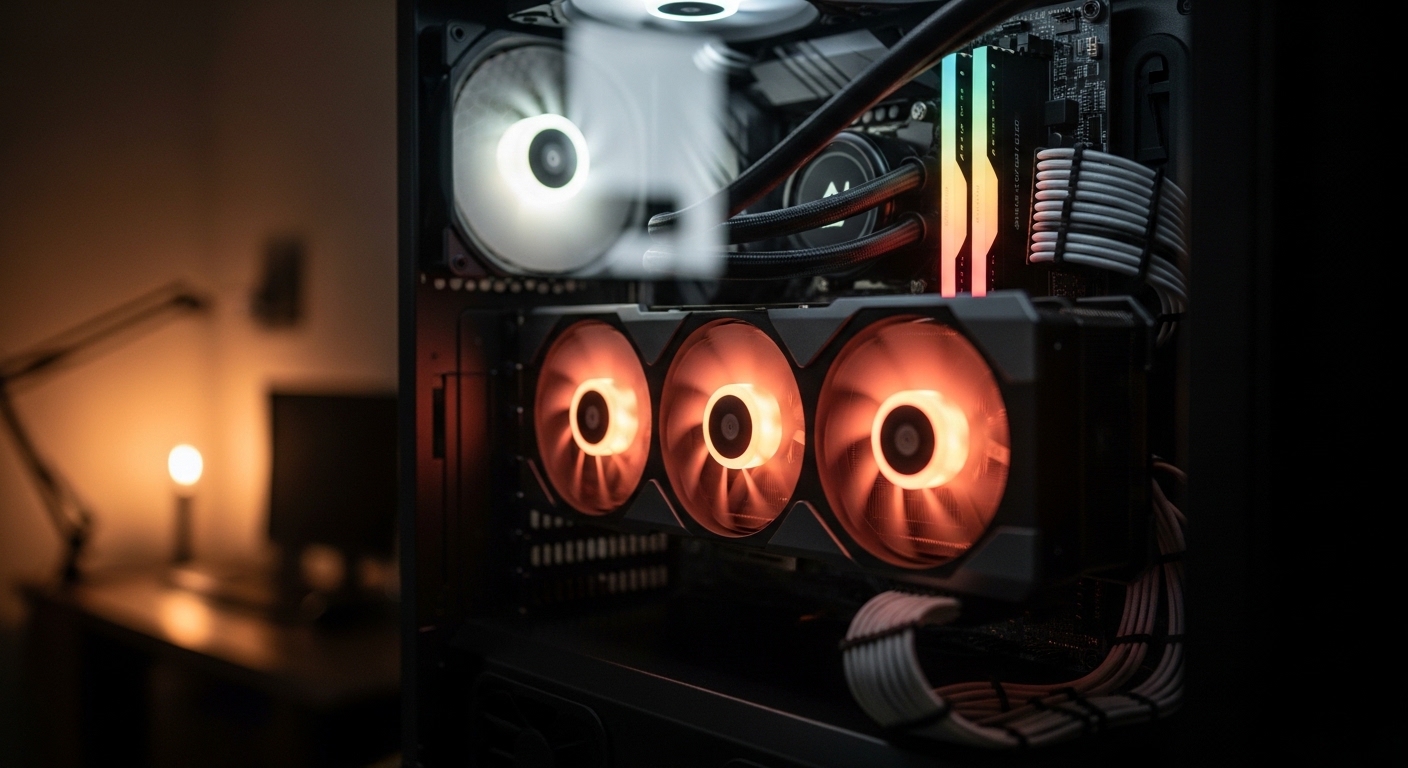
Gaming is actually a CPU-GPU collaboration, not a competition. The CPU runs the game's physics and AI logic; the GPU draws the result. Bottleneck either one and the whole experience suffers.
Which Should You Choose? A Practical Decision Guide
Match the Chip to the Actual Workload
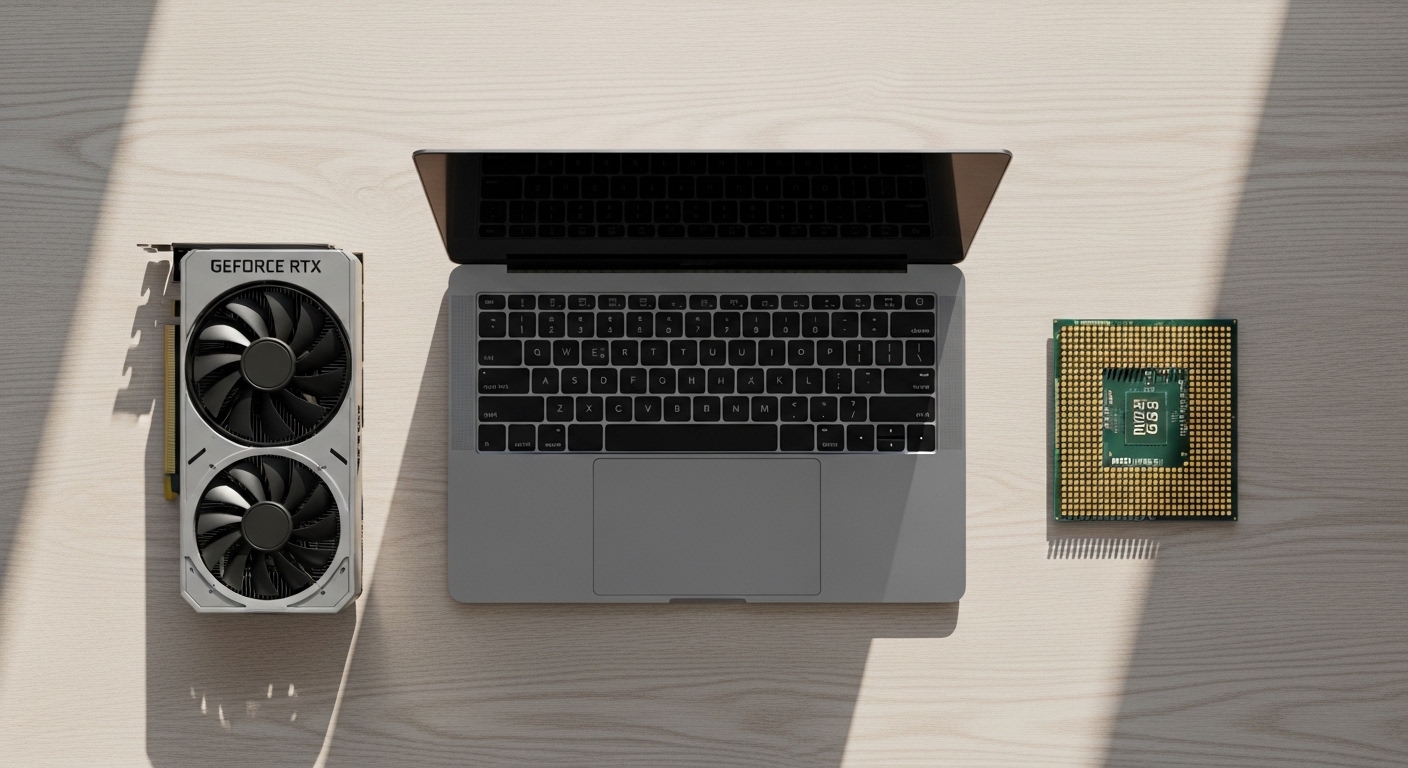
For most people buying a laptop or desktop for general use — email, documents, video calls, light photo editing — the CPU is the component that will define your experience. A faster CPU means a snappier system overall. The GPU matters far less unless you're gaming or doing creative work.
If you're a gamer, the GPU is almost always the bigger investment. A mid-range CPU paired with a strong GPU will outperform the reverse combination in virtually every game. The CPU just needs to be 'good enough' to not bottleneck the GPU — and most modern mid-range CPUs clear that bar easily.
Video editors and 3D artists sit in an interesting middle ground. Rendering in software like Blender can use either the CPU or GPU — and GPU rendering is typically much faster for complex scenes. But timeline editing, color grading previews, and export encoding increasingly use GPU acceleration too. If this is your work, both chips matter, and skimping on either will cost you time.
The AI Workload Exception
Running local AI models — image generation, large language models, audio transcription — is almost entirely GPU-bound. The VRAM capacity of your GPU determines which models you can even load. A CPU with no discrete GPU can technically run some smaller models, but the speed difference is stark enough that it changes whether the tool is actually usable day-to-day. Anyone who has tried running a large image generation model on CPU alone knows exactly how long 'a few minutes per image' actually feels.
(Opinion: The GPU market has become genuinely difficult to navigate for regular buyers, partly because AI demand has pushed high-end card prices into territory that feels disconnected from gaming use cases. For most people who aren't doing ML work or playing at very high resolutions, a mid-range GPU from two or three generations ago is often the smarter buy — the performance gap rarely justifies the price jump at the top end.)Laptops: A Different Calculation
In laptops, thermal and power constraints change the math significantly. A 'gaming GPU' in a thin laptop may be running at a fraction of its desktop wattage, which means a fraction of its desktop performance. Always check the TGP (Total Graphics Power) rating when comparing laptop GPUs — two laptops with the same GPU model can perform very differently depending on how much power the manufacturer allows it to draw.
Frequently Asked Questions
Can a GPU replace a CPU?
No — and this is a common misconception. A GPU cannot run an operating system or handle general-purpose computing on its own. It always needs a CPU to manage tasks, feed it data, and coordinate everything else happening in the system. They are complementary, not interchangeable.
Why do AI companies spend so much more on GPUs than CPUs?
Training large AI models requires applying the same mathematical operations — primarily matrix multiplications — across billions of parameters simultaneously. GPUs are architecturally designed for exactly this kind of parallel math. A single high-end GPU can do this work orders of magnitude faster than a CPU, which is why AI data centers are GPU-dense rather than CPU-dense.
Does having a better GPU make your whole computer faster?
Only for GPU-dependent tasks. Upgrading your GPU will make games run better, video exports finish faster, and AI tools more responsive. It will not make your browser open faster, your files load quicker, or your operating system feel snappier — those are CPU and storage-bound tasks. Matching your upgrade to your actual bottleneck is what matters.
The most useful frame for thinking about CPUs and GPUs isn't 'which is better' — it's recognizing that they solve fundamentally different problems, and that the wrong chip for a given job doesn't just underperform, it can make an otherwise capable system feel broken. A machine with a brilliant CPU and no discrete GPU will stutter through a modern game. A machine with a powerful GPU and a weak CPU will bottleneck in ways that are maddening to diagnose. The real skill is knowing which constraint you're actually hitting — and that requires understanding what each chip was designed to do in the first place.


Comments
Post a Comment