Unlock Secret Features: Hidden Dial Codes for Your Smartphone
Your phone's dialer isn't just for making calls. Type the right sequence of digits, asterisks, and pound signs, and you can pull up diagnostic menus, hardware test suites, and network information screens that manufacturers never advertise. These are called USSD codes or MMI codes, and they've been baked into mobile operating systems since the early days of GSM networks — long before smartphones existed.
What You Need Before You Start
Know Your Device and Carrier First
Not every code works on every phone. Manufacturer-specific codes — especially Samsung's engineering menus — won't do anything on a Pixel or an iPhone. Carrier-locked phones may also block certain network-related codes, or the codes may return different results depending on whether you're on GSM or CDMA infrastructure.
Before you start punching in codes, confirm two things: what brand and model your phone is, and whether it's unlocked or carrier-locked. You can usually find the model number in Settings > About Phone. That thirty seconds of prep will save you from wondering why a code 'doesn't work' when it was never meant for your device.
One more thing: some codes trigger actions immediately when the last character is entered — no need to press the call button. Others require you to tap call. The listings below will note which is which where it matters.
Step-by-Step Instructions for Using Dial Codes
How to Enter a Code Correctly
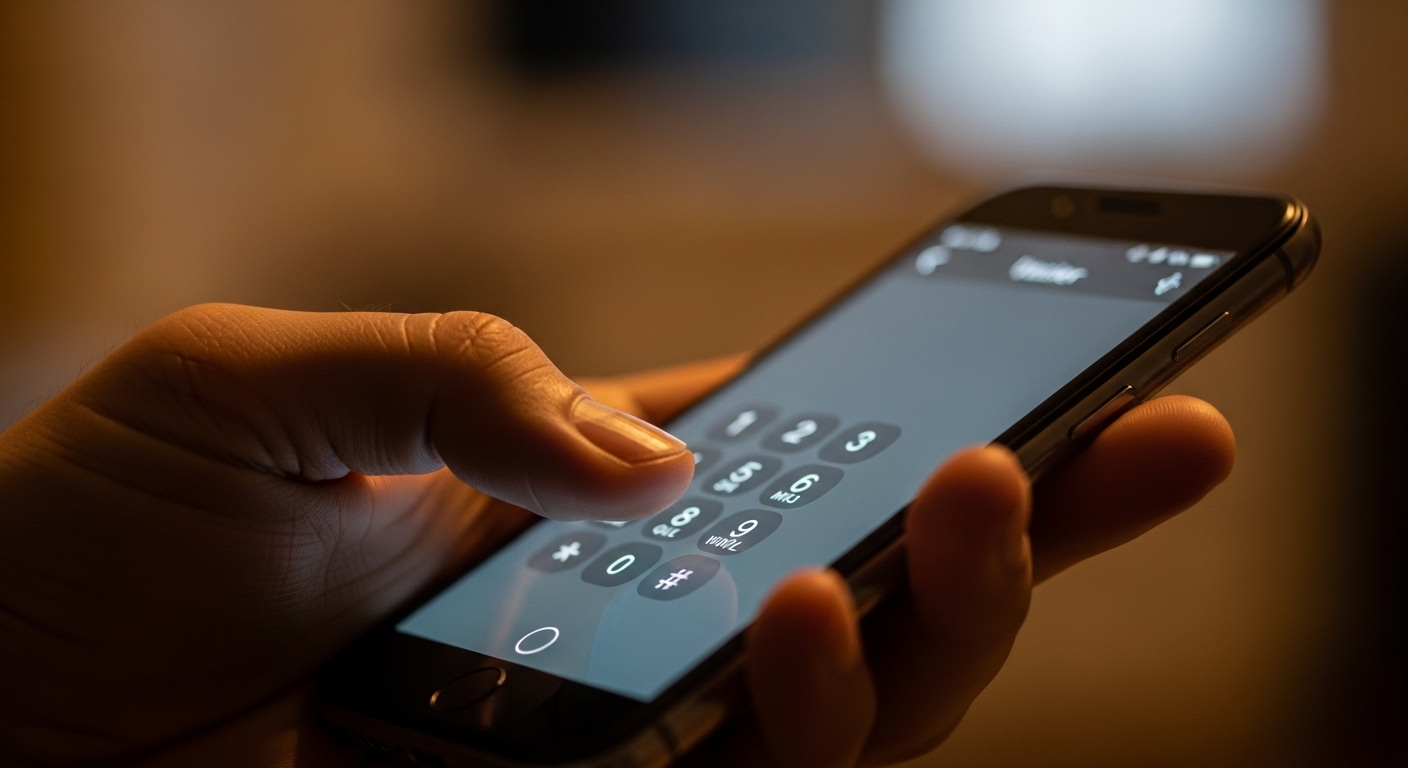
- Open your phone's default Phone app — not a third-party dialer.
- Tap the keypad icon to bring up the dial pad.
- Type the full code exactly as listed, including all asterisks (*) and pound signs (#).
- For codes that end in #, the action usually triggers automatically. For others, press the green call button.
- A new screen or pop-up will appear if the code is recognized. If nothing happens, the code isn't supported on your device.
- To exit most diagnostic menus, press the back button or the home button. Do not tap random options inside engineering menus unless you know what they do.
That last point deserves emphasis. Engineering menus exist for factory technicians. Some settings inside them — like toggling radio bands or changing baseband parameters — can affect your phone's ability to connect to networks. Look, don't touch, unless you're confident.
Step 2 — Try These Codes on Android
Universal Android Codes
These work across most Android devices regardless of manufacturer:
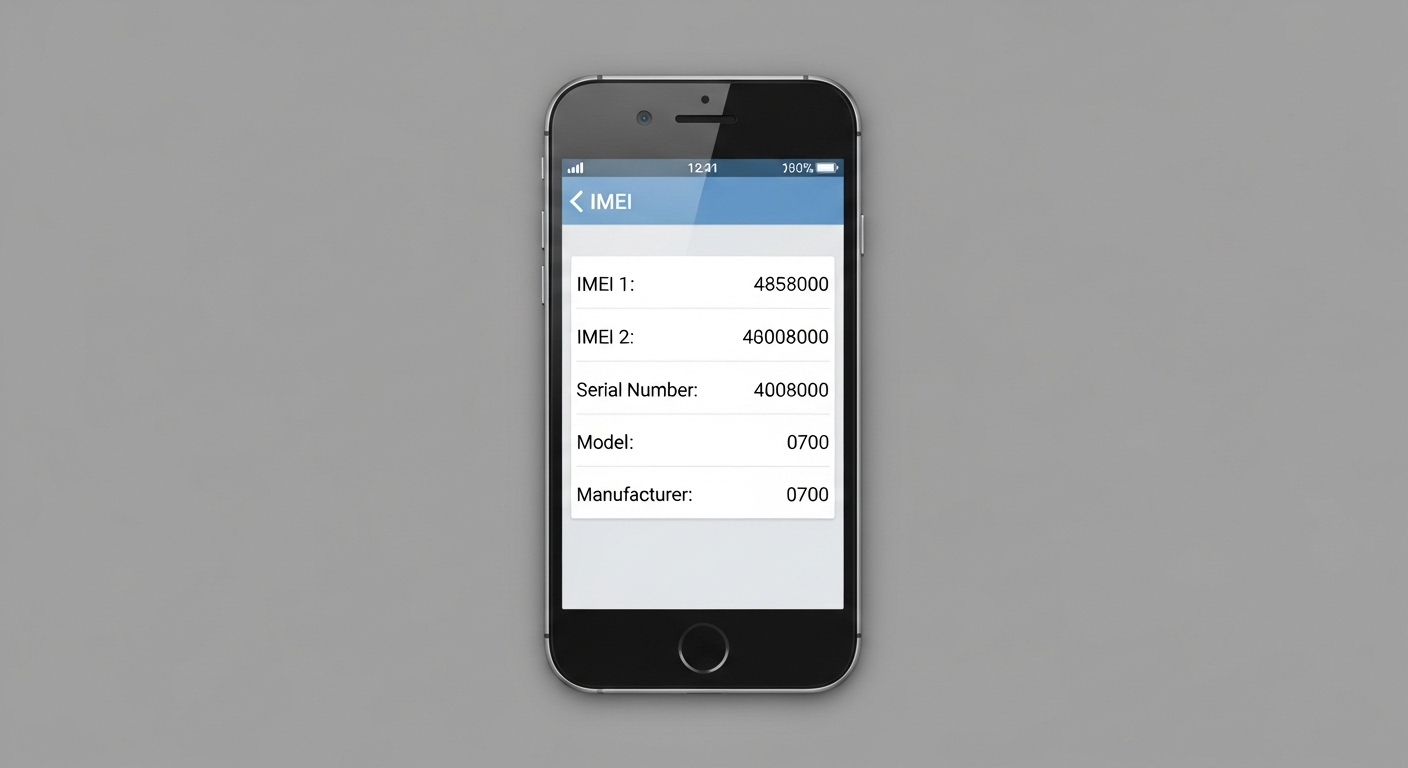
- *#06# — Displays your IMEI number instantly. Useful if your phone is stolen and you need to report it to your carrier. No call button needed.
- *#*#4636#*#* — Opens the 'Testing' menu showing phone info, battery stats, usage statistics, and Wi-Fi information. Triggers automatically.
- *#*#7780#*#* — Factory reset (data only, keeps firmware). Use with extreme caution — this erases your apps and data.
- *#*#7594#*#* — Changes the power button behavior so holding it shuts down immediately instead of showing the power menu.
- *#*#232338#*#* — Shows your device's Wi-Fi MAC address.
Samsung-Specific Codes
Samsung devices have one of the richest sets of hidden codes of any Android manufacturer:
- *#0*# — Runs a full display test on Samsung devices, letting you check individual color channels, touch responsiveness, and speaker output. Extremely useful when buying a used Galaxy phone.
- *#1234# — Shows firmware version information including PDA, CSC, and modem build numbers.
- *#12580*369# — Displays software and hardware version details.
- *#0228# — Opens the battery status screen showing ADC value, voltage, and temperature in real time.
The Samsung display test code (*#0*#) is one of the most practically useful hidden codes that exists — it can reveal dead pixels, touch dead zones, and speaker distortion in under two minutes, which is exactly what you want before handing over cash for a second-hand device.

Step 3 — iPhone Codes That Actually Work
What iOS Supports (and What It Doesn't)
Apple locks down its devices far more tightly than Android manufacturers do. There's no equivalent to Samsung's engineering menu on an iPhone. That said, a handful of codes do work through the standard dialer:
- *#06# — Same as Android: displays your IMEI immediately.
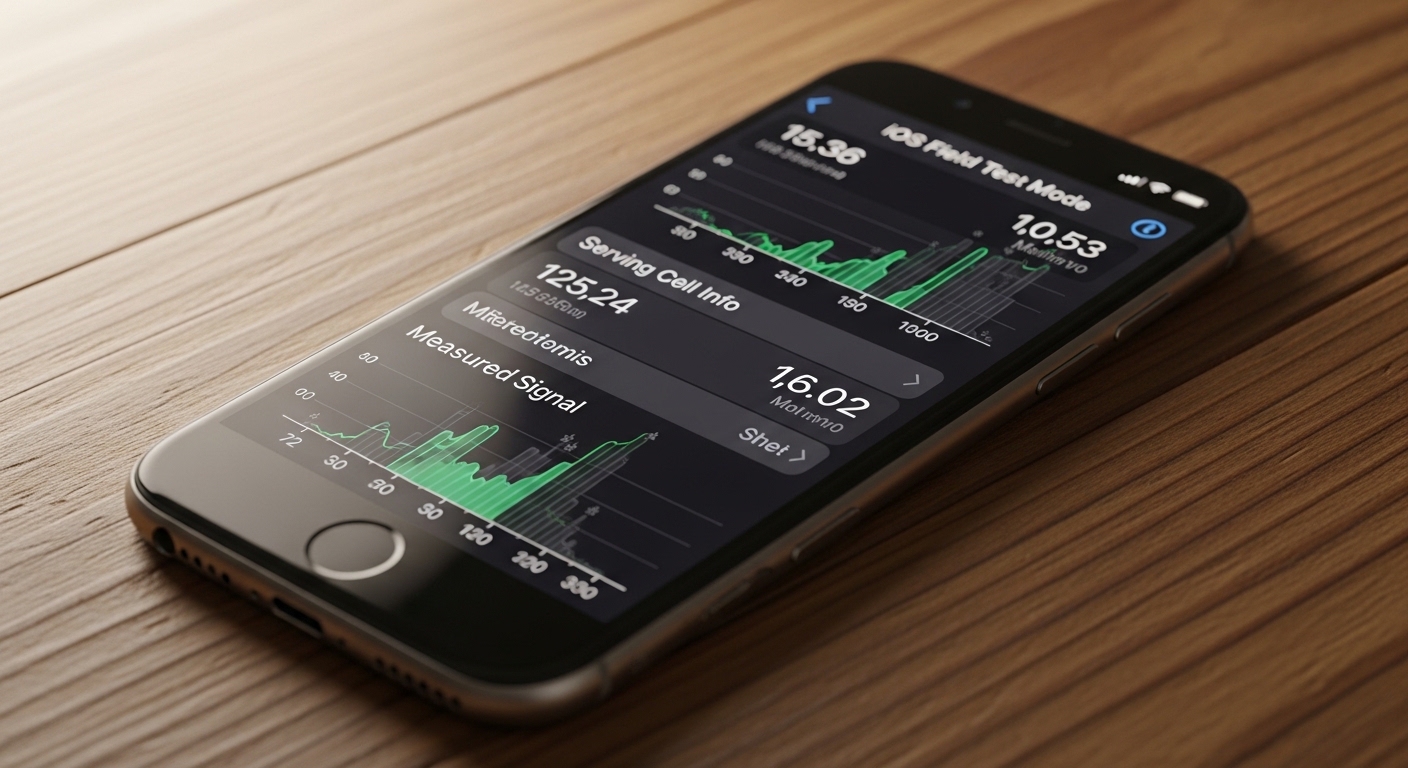
- *3001#12345#* — Opens Field Test Mode, which shows raw signal strength data, cell tower information, and network diagnostics. Press call to activate. This is the same menu Apple technicians use for network troubleshooting.
- *#67# — Shows the number your calls are being forwarded to when your line is busy.
- *#21# — Displays all active call forwarding settings on your line.
- ##002# — Disables all call forwarding. Useful if you suspect your carrier has set up forwarding without your knowledge.
Field Test Mode on iPhone is genuinely interesting. The signal bars your phone displays are a visual approximation — Field Test shows the actual dBm reading, which is a logarithmic measure of signal power. A reading of -70 dBm is strong; -110 dBm means you're barely connected. Anyone who has ever stood in a spot with 'full bars' but no working data connection will appreciate having the real number.
Signal bars are a design choice, not a measurement. Field Test Mode gives you the actual number — and it's often more honest than what your carrier wants you to see.
Common Pitfalls to Avoid When Using Hidden Codes
The Mistakes That Cause Real Problems
The most common mistake is entering a factory reset code by accident while trying something else. The code *#*#7780#*#* on Android triggers a data wipe with no confirmation prompt on some devices. Copy codes carefully from a trusted source — one wrong character matters.
A second pitfall: assuming a code that worked on your old phone will work on your new one. Codes are not standardized across all Android devices. A code that opens a detailed engineering menu on a OnePlus might do nothing on a Motorola, or worse, trigger an unintended function.
Third, and this one catches people out regularly: some carrier USSD codes (*#61#, *#62#, etc.) interact directly with your carrier's network, not just your phone. Running these on a roaming SIM in another country can sometimes trigger unexpected service changes. Check with your carrier before using forwarding-related codes abroad.
(Opinion: The fact that a factory reset can be triggered from the dialer with no confirmation screen is a genuine design flaw. It made sense in the feature-phone era when these codes were standardized, but on a device holding years of personal data, a single mistyped code shouldn't be able to wipe everything silently.)
FAQ
Are hidden dial codes safe to use?
Most informational codes — like *#06# for IMEI or *3001#12345#* for iPhone Field Test Mode — are completely safe and only display data. The ones to be careful with are reset and wipe codes, which can delete data or alter network settings. Stick to read-only codes unless you know exactly what a code does.
Why do some codes work on my friend's phone but not mine?
Many codes are manufacturer-specific or even model-specific. Samsung's *#0*# display test, for example, won't work on a Pixel or an LG device. Carrier-locked phones may also have certain codes disabled at the network level. Always verify that a code is documented for your specific device model before expecting it to work.
Can using these codes void my warranty?
Simply entering a code and viewing an informational screen won't void your warranty. However, if you use a code to access an engineering menu and change settings that cause a hardware or software malfunction, a manufacturer could argue the damage was user-caused. Viewing is safe; changing settings in engineering menus carries risk.
The deeper you go into these menus, the more you realize how much is happening inside your phone that the standard interface deliberately hides. Manufacturers aren't being secretive for no reason — most of these settings exist because something can go wrong with them. But knowing your actual signal strength, verifying a used phone's display before you buy it, or pulling your IMEI in under three seconds? That's information that belongs to you, and it's been sitting in your dialer the whole time.



Comments
Post a Comment