Cloud Gaming Explained: How You Play Games Without a Console
A high-end gaming PC capable of running the latest titles at maximum settings can cost well over $2,000 in hardware alone. Cloud gaming flips that equation entirely — the expensive hardware sits in a data center somewhere, and you stream the result to whatever screen you happen to have nearby. It sounds almost too simple, which is probably why so many people assume there must be a serious catch.

What Is Cloud Gaming, Really?
The Core Idea in Plain Language
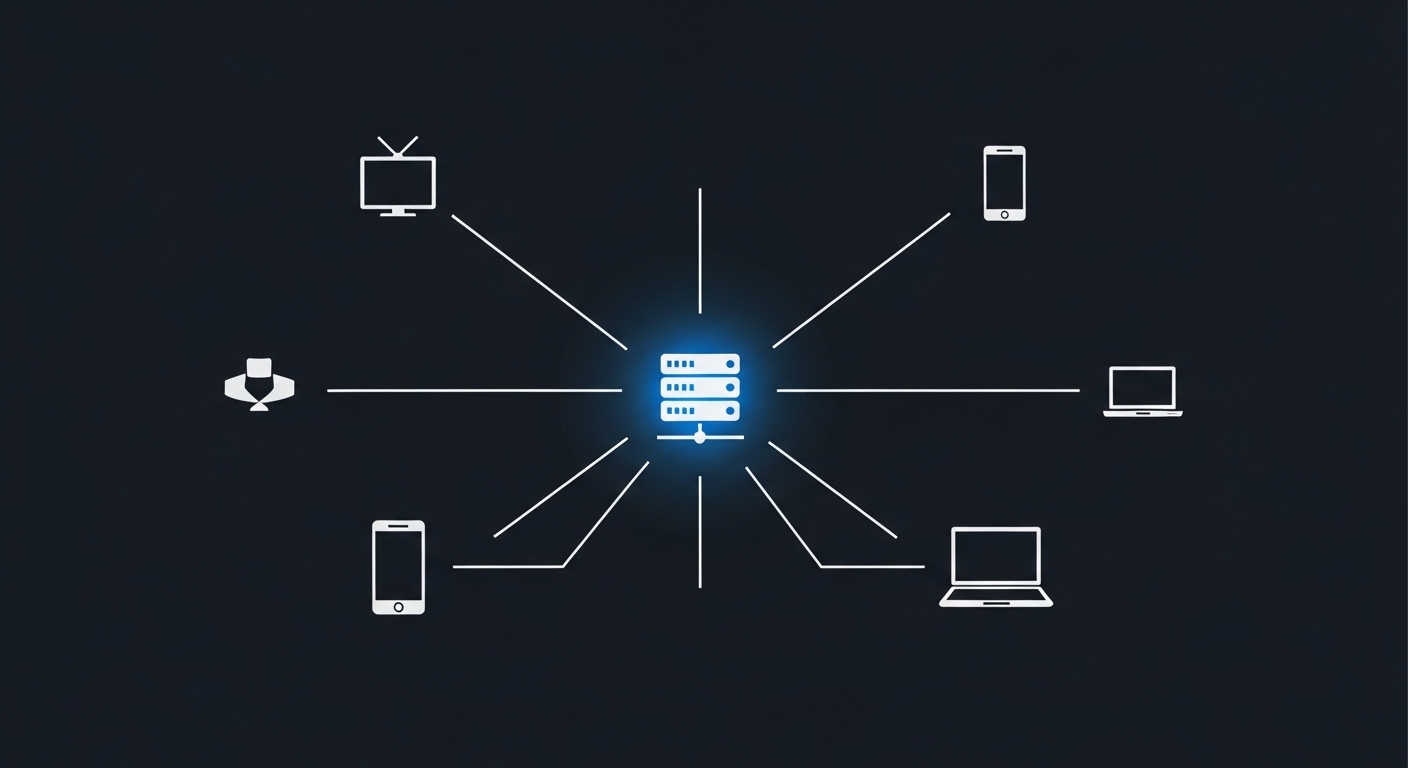
Cloud gaming — sometimes called game streaming — means the game runs on a remote server, not on your device. The server renders every frame, captures it as a compressed video stream, and sends it to your screen over the internet. Your controller inputs travel back to the server in the opposite direction. From your end, it looks and feels like a normal game. From a hardware standpoint, you're essentially watching a very low-latency video feed that responds to your button presses.
The concept isn't new. Remote desktop software has worked this way for decades. What changed is that internet speeds and video compression technology finally got good enough to make it feel acceptable for fast-paced games — something that requires response times measured in milliseconds, not seconds.
How It Differs from Game Downloads and Disc-Based Play
When you download a game to a console or PC, the processing happens locally. Your GPU renders the graphics, your CPU handles the game logic, and your storage holds the assets. Cloud gaming offloads all of that. The trade-off is that you're now dependent on your internet connection in a way that local gaming never requires. A power outage kills a local game session. A network hiccup kills a cloud session.
How Does Cloud Gaming Actually Work? The Technology Behind the Stream
The Encode-Transmit-Decode Pipeline
Every frame your game produces goes through a rapid pipeline. The server's GPU renders the frame, then a hardware encoder — typically built into the server's GPU — compresses it using a codec like H.264 or H.265. That compressed frame travels across the internet to your device, where a decoder (usually hardware-accelerated) reconstructs it and displays it on your screen. This entire process has to happen dozens of times per second.
The compression step is where a lot of the visual quality is won or lost. Aggressive compression reduces bandwidth requirements but introduces artifacts — blurring, color banding, or 'blockiness' during fast motion. Better codecs and higher bitrates reduce those artifacts, which is why services that offer higher-quality streams also tend to require faster internet connections.
Latency in cloud gaming isn't just your ping to the server — it's the sum of encode time, transmission time, decode time, and display lag. Each step adds milliseconds, and they all stack.
Why Server Location Matters More Than You'd Think
The speed of light is a hard physical limit. Data traveling through fiber optic cables moves at roughly two-thirds the speed of light, which means distance to the server directly determines your minimum possible latency. A server 500 kilometers away might add 5–10 milliseconds of network latency. A server 5,000 kilometers away adds ten times that — before accounting for any other delays in the pipeline.
This is why cloud gaming services invest heavily in regional data centers. It's also why users in rural areas or regions with limited infrastructure often have a noticeably worse experience than users in dense urban markets. The physics don't care about your subscription tier.
Which Cloud Gaming Services Are Actually Available?
The Major Players and What Sets Them Apart
Several well-established services have carved out distinct positions. NVIDIA's GeForce NOW lets you stream games you already own on platforms like Steam, which is a meaningful advantage — you're not locked into a separate library. Microsoft's Xbox Cloud Gaming is bundled with Game Pass Ultimate and leans heavily on its existing Xbox game catalog. PlayStation's cloud streaming option is integrated into its subscription tier and focuses on PlayStation titles.
Amazon Luna and a handful of smaller services round out the market. Each takes a slightly different approach to library access, pricing, and supported devices. The 'right' service depends almost entirely on which games you want to play and which devices you already own.
The Device Compatibility Angle
One of the genuine advantages of cloud gaming is how broadly it works. Most services support browsers on laptops and desktops, dedicated apps on Android and iOS, and smart TVs from major manufacturers. Some even work on older hardware that couldn't run modern games locally. If you've ever tried to play a demanding game on a five-year-old laptop and watched it struggle, the appeal of offloading that work to a server becomes immediately obvious.
The counterintuitive reality: cloud gaming can make a $300 Chromebook perform identically to a $2,000 gaming PC — for the games the service supports.
Why Cloud Gaming Matters — and Where It Still Falls Short
The Real Benefits Beyond 'No Console Required'
The obvious pitch is cost: no expensive hardware to buy or upgrade. But there are subtler advantages. Cloud gaming means instant access — no downloads, no installs, no day-one patches eating your afternoon. You can pick up a game on your phone during a commute and continue on your TV at home without any syncing friction. For casual players who don't want to manage a gaming setup, that convenience is genuinely compelling.
There's also a preservation angle that rarely gets discussed. When a game runs in the cloud, the service controls the environment. Older titles that struggle on modern operating systems can potentially be kept running indefinitely on server-side configurations that never change. Whether services will actually commit to that long-term is a different question.
The Honest Limitations
Latency remains the fundamental problem for competitive gaming. Even at 20–30 milliseconds of added delay — which is optimistic for most users — fast-twitch games like first-person shooters feel subtly different. Professional players would notice immediately. Casual players might not, but the margin for error in competitive play shrinks.
Internet dependency is the other real constraint. Cloud gaming typically requires a stable connection of at least 15–25 Mbps for acceptable quality, and higher for 4K streams. That's fine in most urban environments, but it excludes a significant portion of potential users globally. And unlike a downloaded game, a service outage or subscription cancellation means your access disappears instantly — you own nothing.
(Opinion: The 'you own nothing' aspect of cloud gaming is the part the industry would prefer you not think about too hard. Subscription models are convenient right up until the service changes its terms, raises prices, or shuts down entirely — at which point your entire library evaporates. Local ownership has real value that convenience metrics don't capture.)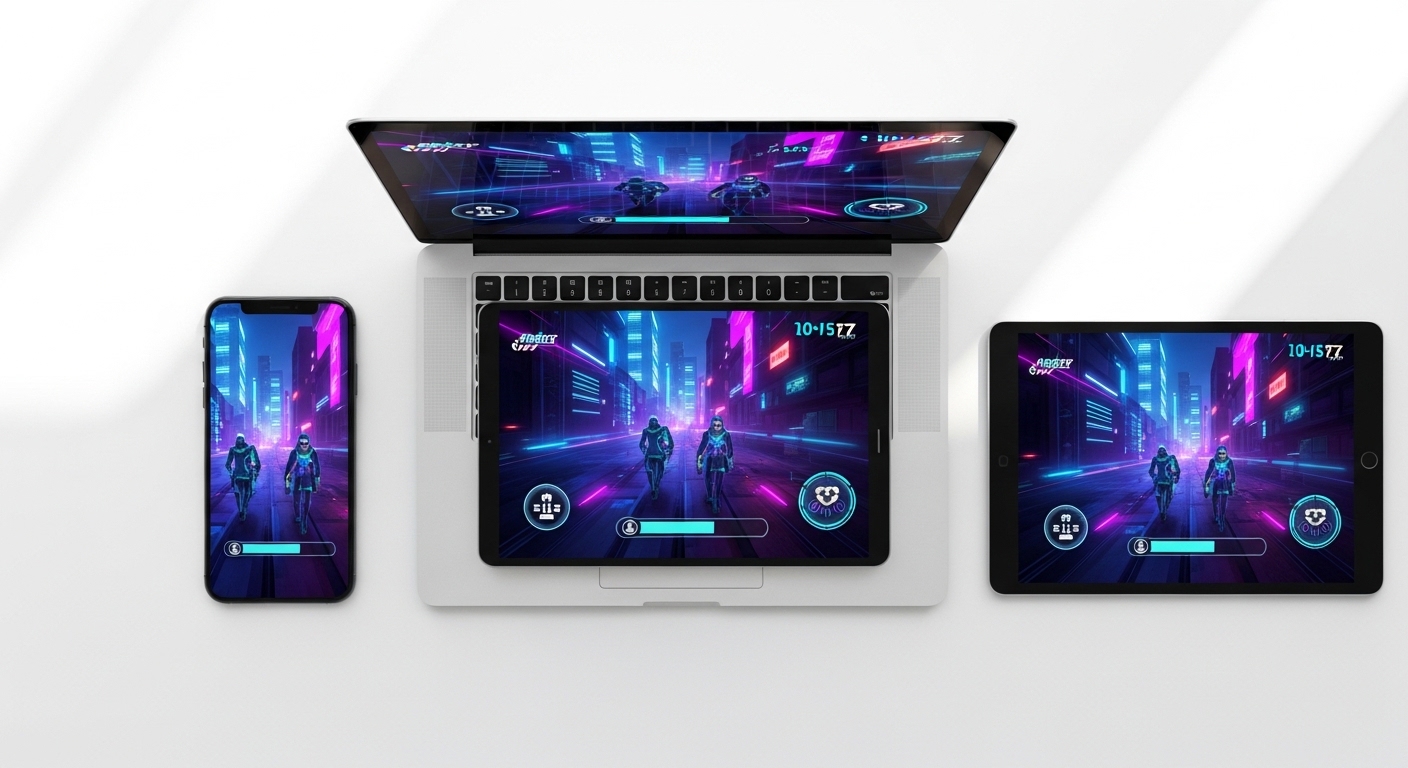
Frequently Asked Questions
Do you need a fast internet connection for cloud gaming?
Yes, and the quality scales significantly with your connection speed. Most services recommend a minimum of around 15 Mbps for standard quality, with 35 Mbps or more suggested for higher resolutions. Stability matters as much as raw speed — a connection that fluctuates causes stuttering and visual artifacts even if the average speed looks fine on a speed test.
Is cloud gaming good enough for competitive multiplayer games?
For casual multiplayer, most players adapt quickly and find it acceptable. For genuinely competitive play — ranked matches, esports-level reaction times — the added latency of cloud gaming puts you at a measurable disadvantage compared to local hardware. Research suggests the threshold where most players consciously notice input lag is somewhere around 100 milliseconds total; cloud gaming can stay under that in ideal conditions, but 'ideal conditions' aren't guaranteed.
What happens to your games if a cloud gaming service shuts down?
This depends entirely on how you accessed the games. If you streamed titles from a library included in your subscription (like Xbox Game Pass titles via cloud), those games disappear with the service. If you streamed games you purchased on a separate platform like Steam, you can still download and play those locally — you just lose the streaming option. It's worth understanding which model a service uses before committing to it.
Cloud gaming is genuinely useful technology that solves a real problem — hardware costs and accessibility — while introducing a different set of constraints around connectivity and ownership. The services that survive long-term will be the ones that give players a reason to trust them with their libraries. That trust is harder to build than a data center, and considerably easier to lose.


Comments
Post a Comment