What Are Passkeys and How Do They Make Your Online Accounts Safer?
Passwords have a fundamental design flaw: they exist in two places at once — on the server and in your head. That means they can be stolen from either location. Passkeys eliminate that problem entirely by ensuring the secret never leaves your device in the first place. It sounds like a small shift, but the security implications are enormous.
What Passkeys Actually Are — No Jargon Required
The Core Idea Behind Passwordless Login
A passkey is a digital credential built on public-key cryptography — the same mathematical foundation that secures online banking and encrypted messaging. When you create a passkey for a website, your device generates two mathematically linked keys: a public key that gets stored on the website's server, and a private key that never leaves your device. The website can verify your identity using the public key, but it cannot reconstruct the private key from it.
Think of it like a padlock-and-key system where you give the website the padlock but keep the key. The website can lock things with the padlock, but only your device can open them. No shared secret means nothing useful to steal from the server's side.
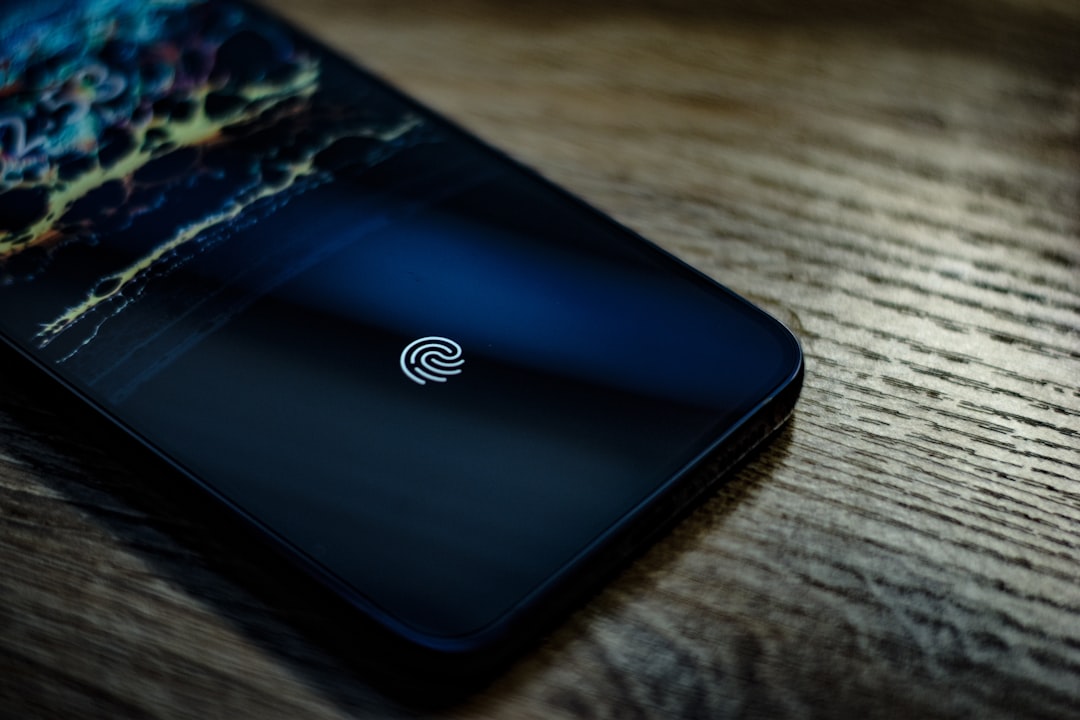
The user experience is deliberately simple. You register a passkey, and from then on you log in by unlocking your device — with your fingerprint, face scan, or PIN. That local unlock proves to your device that you are who you claim to be, and your device handles the cryptographic handshake with the server automatically.
How Passkeys Differ From Password Managers
Password managers are a genuine improvement over reusing weak passwords, but they still store and transmit actual passwords. If the manager's vault is compromised, or if you're tricked into autofilling on a fake site, the password can still be captured. Passkeys are phishing-resistant by design: the cryptographic challenge-response is bound to the exact domain of the legitimate website, so a fake login page simply cannot trigger the right response from your device.

How the Passkey Login Process Actually Works
The Cryptographic Handshake, Explained Simply
When you try to log in to a site that supports passkeys, the server sends your device a unique random challenge — essentially a one-time puzzle. Your device uses the stored private key to sign that puzzle mathematically, and sends the signed response back. The server checks the signature against your public key. If it matches, you're in. The entire exchange happens in milliseconds.
The critical detail: the private key is used to sign the challenge, but it is never transmitted. An attacker intercepting the network traffic sees only the signed response — which is useless without the private key that created it. This is fundamentally different from a password, which must be sent to the server in some form during every login.
The private key never leaves your device — not during setup, not during login, not ever. That single constraint makes an entire category of attacks impossible.
Where Your Passkeys Are Stored
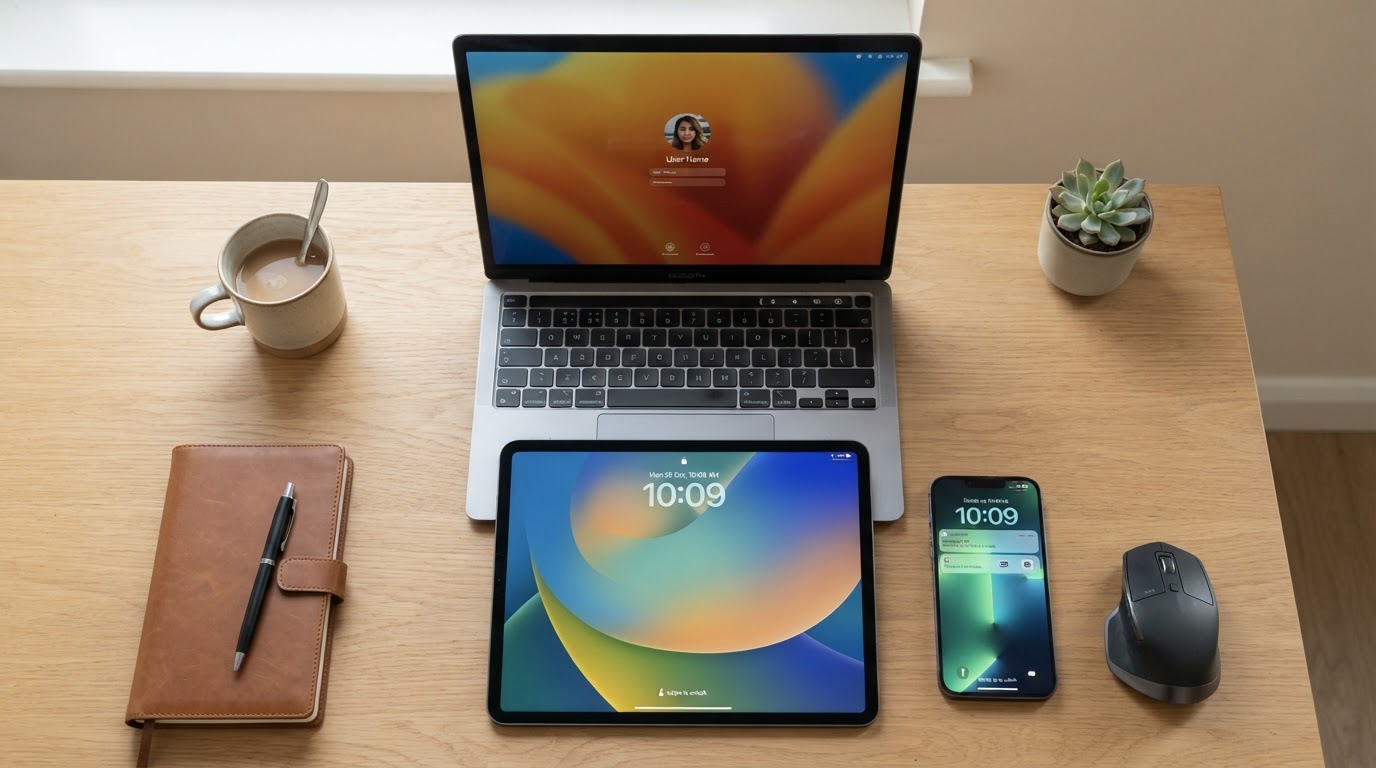
On Apple devices, passkeys sync through iCloud Keychain, encrypted end-to-end. On Android, they sync through Google Password Manager with similar protections. On Windows, they're stored in Windows Hello. This means if you lose your phone, you don't lose your passkeys — they restore when you sign back into your account on a new device.
You can also use a passkey stored on your phone to log into a website on a different device — say, a public computer. The website shows a QR code, you scan it with your phone, your phone performs the authentication, and the session opens on the other screen. Your private key still never left your phone.

Why Passkeys Are Dramatically Safer Than Passwords
The Attacks That Simply Stop Working
Credential stuffing — where attackers take username-password pairs leaked from one site and try them on others — is responsible for a staggering share of account takeovers. Passkeys make this attack category obsolete. There is no password to stuff. Each passkey is unique to a single site, and the private key never appears in any database breach.
Phishing is the other major threat that passkeys neutralize. A convincing fake login page for, say, a popular email service works because users can't always tell the difference between the real domain and a lookalike. Passkeys are cryptographically bound to the exact registered domain. Your device will not authenticate to a fake site, full stop — it doesn't matter how convincing the page looks.
Phishing works because humans can be fooled by appearances. Passkeys remove the human from that equation entirely — the cryptographic check doesn't care how convincing the fake page looks.
The One Vulnerability Worth Knowing About
Passkeys are not magic. If someone has physical access to your unlocked device and your biometric or PIN, they can use your passkeys. The security model shifts the threat from 'someone on the other side of the internet' to 'someone physically holding your device.' For most people, that's a dramatically better trade-off. But it's worth understanding that the protection is device-level, not absolute.
Account recovery is also a real consideration. If you lose access to your synced account (say, your Apple ID gets locked), recovering your passkeys requires recovering that account first. Services are still developing cleaner fallback flows, and this remains a genuine rough edge in the current ecosystem.

Where You Can Use Passkeys Right Now
The Platforms That Already Support Them
Passkey support has expanded quickly. Google, Apple, Microsoft, PayPal, GitHub, and a growing list of major services have rolled out passkey login options. The underlying standard — called FIDO2/WebAuthn, developed by the FIDO Alliance and the World Wide Web Consortium — is supported across Chrome, Safari, Firefox, and Edge. You don't need a special app or hardware token for most implementations.
Setting one up is usually buried in your account's security settings under something like 'Passkeys' or 'Sign-in options.' The process takes about thirty seconds: tap 'Create a passkey,' authenticate with your biometric, done. The next login skips the password field entirely.
What's Still Missing
The honest answer is that adoption is uneven. Plenty of sites — particularly older enterprise tools, government portals, and smaller services — still have no passkey support at all. And even where support exists, the user experience isn't always smooth. Some sites still require a password as a fallback, which partially undermines the security model.
(Opinion: The biggest obstacle to passkey adoption isn't technical — it's institutional inertia. The standard is solid, the device support is broad, and the security gains are real. The slow rollout mostly reflects how long it takes large organizations to update authentication systems they haven't touched in a decade.)
Frequently Asked Questions
Can I use passkeys if I switch from iPhone to Android?
Cross-platform passkey use is improving but still has friction. Passkeys stored in iCloud Keychain don't automatically migrate to Google Password Manager. You'd typically need to re-register a passkey on the new platform for each service. Some third-party password managers — like 1Password and Bitwarden — now support passkeys and can sync across platforms, which sidesteps this problem.
What happens to my passkeys if my phone is stolen?
Because passkeys require your biometric or PIN to use, a stolen locked phone doesn't give an attacker access. If you're worried, you can remotely wipe your device through your platform's find-my-device service, which also removes the locally stored keys. Your synced passkeys remain safe in your encrypted cloud account and restore to your next device.
Do passkeys replace two-factor authentication?
This is a common point of confusion. Passkeys actually combine two factors into a single step: something you have (the device with the private key) and something you are or know (your biometric or PIN). So a passkey login is inherently two-factor, even though it feels like one step. You don't need a separate authenticator app on top of it, though some high-security services may still require one.
The password has been the dominant authentication method for roughly sixty years — and for most of that time, the security community has known it was broken. Passkeys are the most credible replacement to reach mainstream hardware and software support. The uncomfortable implication is that every major breach involving stolen credentials during those decades was, in some sense, a preventable outcome of a system we kept using because replacing it was inconvenient. The technology to do better existed long before the will to deploy it did.



Comments
Post a Comment