Considering the Switch? Potential Downsides of Moving from Android to iPhone
Switching from Android to iPhone is one of those decisions that feels bigger than it should — until you're three days in and can't figure out why your files won't just copy over like a normal person would expect. Apple sells the iPhone as the simpler, more refined choice, and in many ways it is. But 'simpler' and 'fewer limitations' are not the same thing, and that gap is where a lot of Android users get blindsided.
The Pros — What Makes Switching to iPhone Worth Considering
Software Support That Actually Lasts
Apple supports its devices with major software updates for significantly longer than most Android manufacturers. A flagship Android phone from a major brand might receive two to four years of OS updates, while Apple has historically pushed updates to iPhones six or more years old. If you're the type who keeps a phone until it physically stops working, that matters a lot.
The Ecosystem, If You're Already in It
If you own a Mac, an iPad, or an Apple Watch, an iPhone plugs into that world seamlessly. AirDrop, Handoff, iMessage continuity across devices — these features genuinely work, and they work without configuration. For someone already using Apple hardware, switching to iPhone isn't a sacrifice; it's the missing piece.
Privacy and Security Defaults
Apple's App Store review process is stricter, and iOS has historically had fewer incidents of malicious apps slipping through compared to the Google Play Store. App tracking transparency — the feature that forces apps to ask permission before tracking you across other apps — is baked into iOS. Research suggests this has meaningfully reduced the amount of behavioral data collected from iPhone users by default.
The Cons — What Could Go Wrong After You Switch
File Management Is a Genuine Frustration
Android treats your phone like a drive. You plug it in, drag files, done. iPhone does not work this way. iOS has a Files app, and it has improved over the years, but transferring files to and from a computer — especially a Windows PC — still involves more steps, more workarounds, and occasional inexplicable failures. Anyone who regularly moves large video files or documents between devices will notice this immediately.
The deeper issue is that iOS was designed around the assumption that your files live in apps, not in folders. That's a philosophical difference, not a bug, and it doesn't go away with a software update.
Default App Lock-In Is Real
Apple has opened up the ability to change some default apps — browsers and email clients, for example — but the system still nudges you back toward Safari, Mail, and Apple Maps constantly. Tapping a link in many apps will open Safari regardless of your preference. If you've spent years with Chrome, Firefox, or a third-party email client as your daily driver, expect friction. It's not insurmountable, but it's persistent.
Sideloading and App Flexibility
On Android, you can install apps from outside the Play Store with a setting toggle. On iPhone — at least in most regions outside the European Union, where regulatory pressure has forced Apple to allow alternative app marketplaces — you are limited to the App Store. This affects emulators, niche utilities, beta software, and apps that Apple has rejected or removed. If you've ever used an app that simply doesn't exist on iOS, that app is gone from your life when you switch.
The App Store's curated quality comes at a direct cost: if Apple doesn't approve it, you don't get it — and Apple doesn't always explain why.
Customization Ceiling
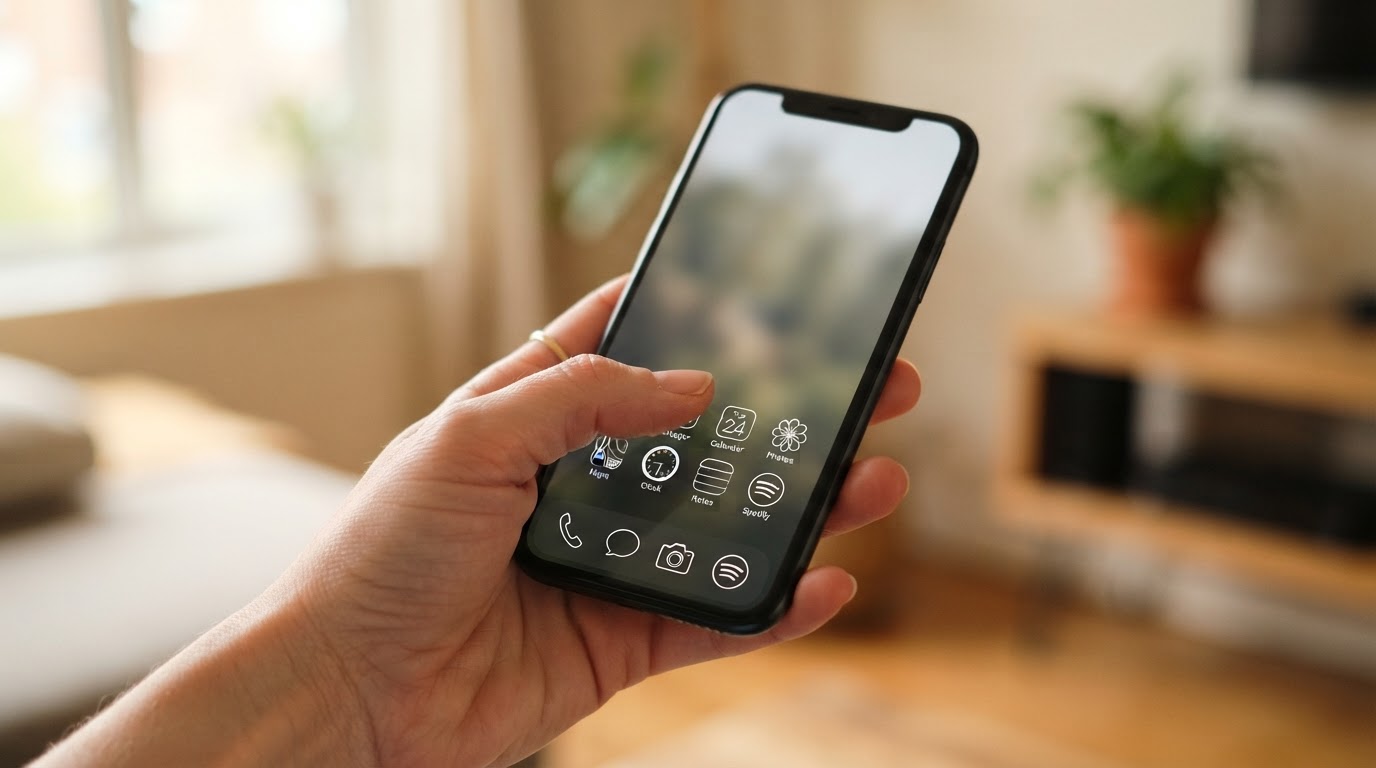
iOS has added widgets, custom app icons (with shortcuts), and Focus modes, but Android's customization runs deeper. You can change launchers entirely on Android — the whole visual and interaction logic of the home screen. On iPhone, you cannot. The grid stays a grid. The icon size stays fixed. Third-party keyboards exist, but they still have limitations that Android keyboards don't face.
For most users this won't matter. But if you've built a home screen workflow you genuinely rely on, expect to rebuild it from scratch with fewer tools.
Who the iPhone Works Best For — and Who It Doesn't
It Works Best For
- People already using a Mac, iPad, or Apple Watch who want seamless continuity
- Users who prioritize long-term software support over hardware flexibility
- Anyone who finds Android's open nature more overwhelming than liberating
- People who primarily use mainstream apps — social media, streaming, banking — where the iOS versions are often better maintained
- Users who value privacy defaults without having to configure anything manually
It Works Poorly For
- Power users who rely on file system access, sideloading, or custom launchers
- Windows PC users who need smooth, cable-free file transfers without third-party software
- Anyone who uses apps that don't exist on the App Store or have been removed from it
- Users who have invested heavily in Google's ecosystem — Google Photos, Google Drive, Google Docs — and expect the same deep integration they had on Android
- People who want hardware variety: different screen sizes, foldables, stylus-first devices, or budget-tier options with flagship features
Switching ecosystems isn't just changing a phone — it's changing the assumptions baked into how your digital life is organized.

Our Verdict — Should You Actually Make the Switch?
The honest answer is: it depends less on which platform is 'better' and more on which friction you're willing to live with. Android's friction is upfront — more decisions, more settings, more variation between manufacturers. iPhone's friction is structural — it's baked into the design philosophy and doesn't disappear once you learn the interface.
The counterintuitive insight most switching guides skip: the people who struggle most with the switch aren't tech novices — they're experienced Android power users who have built efficient workflows that iOS simply doesn't support. A first-time smartphone buyer handed an iPhone will have no trouble. Someone who has spent five years optimizing their Android setup will hit walls they didn't know existed.
(Opinion: Apple's ecosystem is genuinely excellent if you're inside it, but the company's resistance to interoperability — the slow adoption of RCS messaging, the historical resistance to USB-C, the App Store control — reflects a business strategy as much as a design philosophy. That's worth knowing before you hand over your data and your habits to a new walled garden.)
One specific detail worth knowing: when you switch, your phone number can get stuck routing messages through iMessage even after you've moved to Android — unless you manually deregister it from Apple's servers first. It's a small thing, but it's the kind of thing that makes people think their new phone is broken when it isn't. Apple has a deregistration tool for this, and using it before you switch saves a headache.
Frequently Asked Questions
Will I lose all my Android apps if I switch to iPhone?
Not necessarily all of them, but some. Most major apps — social media, streaming services, banking, navigation — exist on both platforms. The gap is in niche apps, apps that have been removed from the App Store, and anything that relied on Android's sideloading capability. Before switching, it's worth auditing the apps you use daily and checking whether iOS versions exist and whether they have the same features.
Can I transfer my data from Android to iPhone easily?
Apple offers a 'Move to iOS' app that handles contacts, messages, photos, and some app data. It works reasonably well for the basics, but it won't transfer everything — app-specific data, certain settings, and anything tied to Google services will need to be set up again manually. The process is smoother than it used to be, but 'easy' is relative depending on how much data you're moving.
Is it true that iPhones are harder to repair or customize than Android phones?
For hardware repairs, yes — Apple has historically used proprietary parts and software locks that made third-party repairs difficult or impossible. This has shifted somewhat with right-to-repair legislation in various regions pushing Apple toward more accessible repair programs. For software customization, the limitation is real and by design: iOS simply doesn't expose the same system-level access that Android does, and that's unlikely to change fundamentally.
The switch from Android to iPhone isn't a mistake for most people — but it's also not the upgrade it's sometimes sold as. It's a trade. You get a tighter, more consistent experience with longer software support and strong privacy defaults. You give up flexibility, openness, and the assumption that your phone works like a computer you control. Whether that trade is worth it depends entirely on which half of that sentence bothers you more.


Comments
Post a Comment