How Much RAM Do You Really Need for Your Laptop? A Real-Cost Breakdown
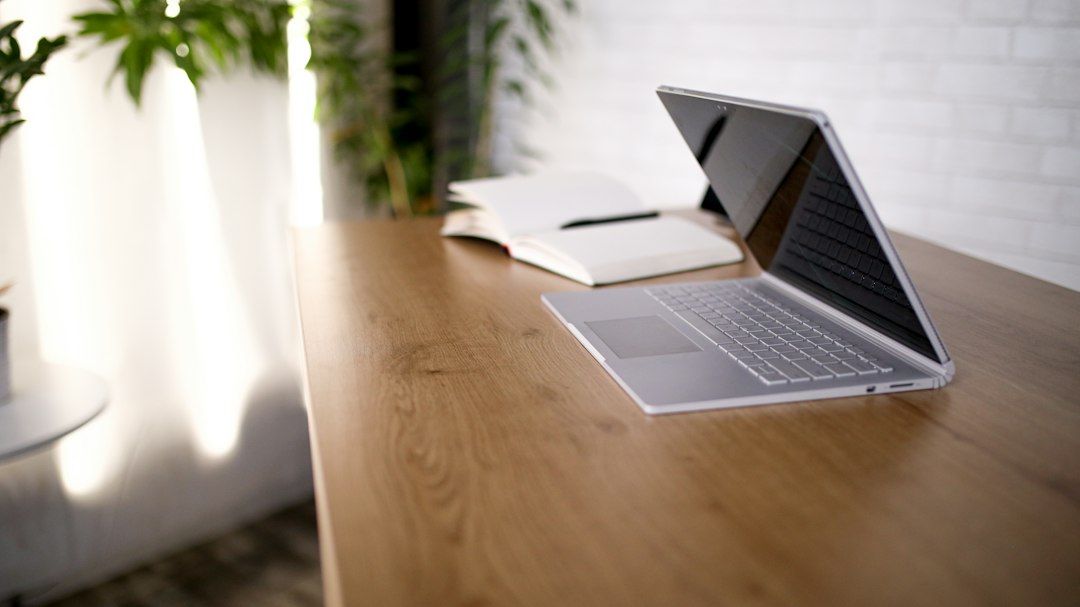
Laptop RAM is one of the most misunderstood specs in consumer tech — and one of the most expensive to get wrong. Buy too little and your machine crawls within a year. Buy too much and you've paid a premium for headroom you'll never use. The frustrating part is that manufacturers have made this decision harder than it needs to be, because on most modern laptops, RAM is soldered directly to the motherboard and cannot be upgraded later.
Breaking Down the Real Costs of Laptop RAM
What RAM Actually Does to Your Wallet
When you configure a laptop at checkout, stepping up from 8GB to 16GB of RAM typically adds somewhere between $50 and $150 to the price, depending on the brand and tier. Going from 16GB to 32GB can cost another $100 to $200 on top of that. Those numbers sound manageable in isolation, but they compound fast when you're also weighing storage upgrades and display options.
The real financial sting isn't the upfront cost — it's the replacement cost. If you buy an 8GB laptop and discover two years in that it can't handle your workload, you're not buying a $100 RAM stick. You're buying a new laptop. That's a $600 to $1,200 mistake depending on your segment.
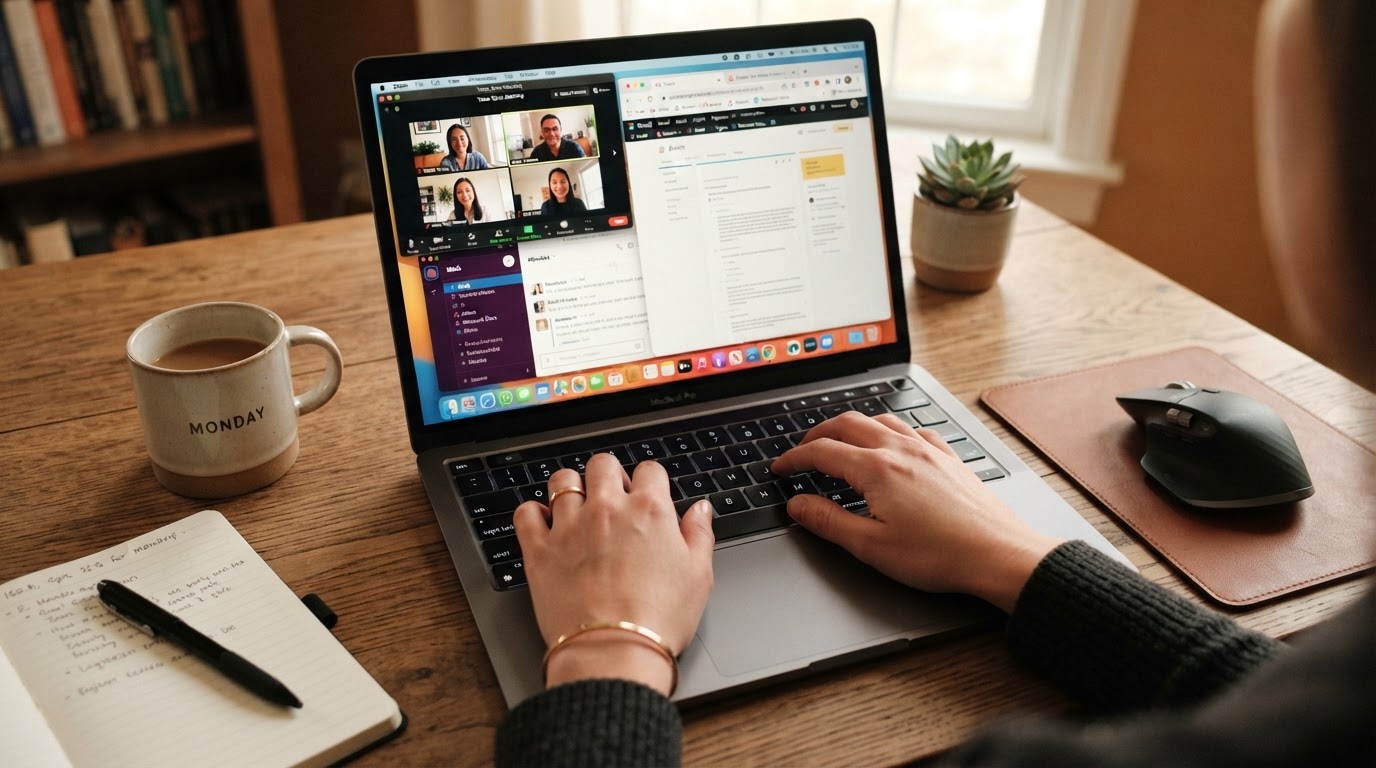
Anyone who has watched a browser with a dozen tabs compete with a video call and a Spotify stream on an 8GB machine knows exactly what 'memory pressure' feels like in practice. The system doesn't crash dramatically — it just gets slower and slower until you're waiting three seconds for a tab to become responsive.
The Soldered RAM Problem
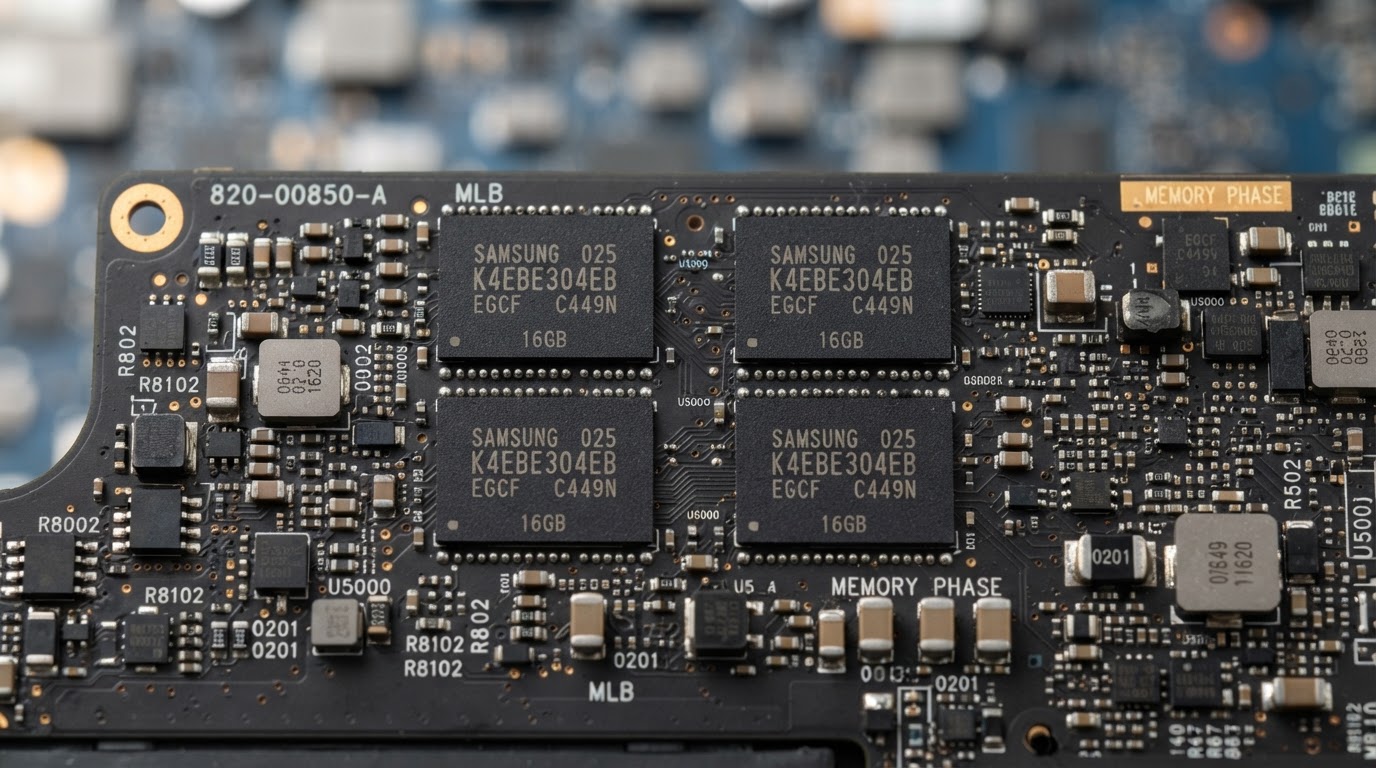
Through most of the 2010s, you could buy a budget laptop and upgrade the RAM yourself for $30. That era is largely over. The shift to soldered LPDDR memory — driven by thinner chassis designs and power efficiency requirements — means the RAM you configure at purchase is the RAM you live with forever. Apple's entire MacBook lineup uses soldered unified memory. Most thin-and-light Windows laptops from major manufacturers have followed the same path.
This changes the financial calculus entirely. You're not buying RAM for today. You're buying it for the next four to six years.
Hidden Costs and What Most Buyers Miss
The Operating System Tax
Windows 11 and macOS both consume more baseline memory than their predecessors. A freshly booted Windows 11 system with no applications open can use 3 to 4GB of RAM just for the OS and background services. On an 8GB machine, that leaves you roughly 4GB for everything else — your browser, your apps, your files in active use. That's not a lot of runway.
macOS handles memory differently through a technique called memory compression, which can make 8GB feel more capable than it would on Windows. But even Apple now recommends 16GB as the baseline for most users on its own support pages — a quiet acknowledgment that 8GB is increasingly marginal.
The Browser Is Now a RAM Monster
Google Chrome is famously memory-hungry, but even leaner browsers like Firefox or Safari can consume 1 to 2GB with a moderate number of tabs open. Add a web-based productivity suite, a communication tool running in the background, and any kind of media playback, and you've easily consumed 6 to 7GB before opening a single dedicated application.
The browser has become the operating system for most people's work — and it eats RAM like one.
This is the hidden cost nobody puts in the spec sheet. The gap between 'technically works' and 'works without frustration' is often measured in gigabytes of RAM, not processor speed.
Resale Value and Longevity
A laptop with more RAM holds its resale value longer. A three-year-old machine with 16GB is still a viable secondary computer or resale item. The same machine with 8GB is often already struggling and harder to sell at a reasonable price. If you plan to sell or hand down your laptop after a few years, the RAM configuration you choose now directly affects what you'll recoup later.
How to Decide — A Simple Framework by Use Case
8GB: Who It Still Works For
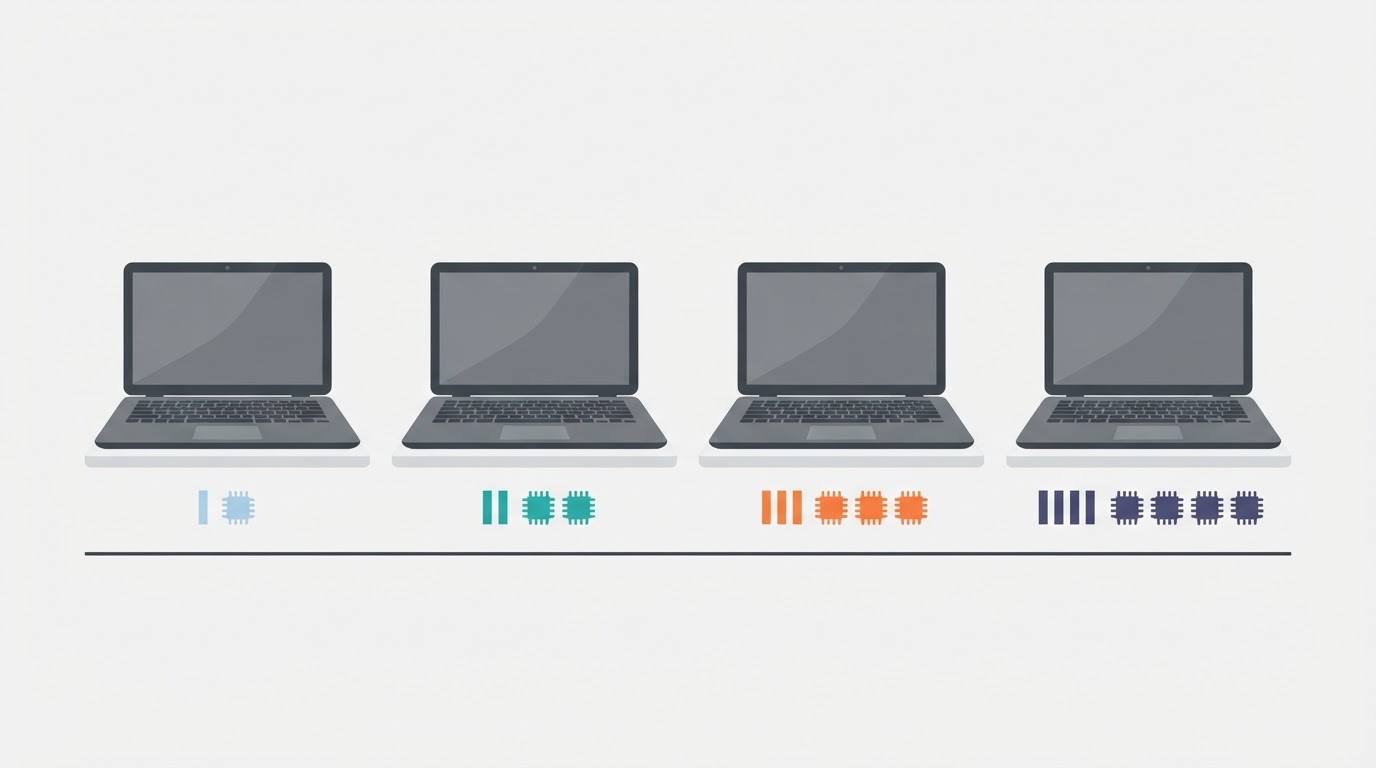
8GB is not dead, but it has a narrow use case. If your laptop is primarily for light document editing, email, casual web browsing (not 20 tabs), and occasional streaming, 8GB can still get the job done — especially on macOS with its efficient memory management. Students doing basic coursework on a tight budget may find it acceptable for a two-to-three year horizon.
The honest caveat: if you're even slightly unsure whether your needs will grow, 8GB is a gamble. The upgrade path doesn't exist.
16GB: The Sensible Default for Most People
16GB is where the math starts working in your favor. It handles heavy browser use, video calls, light photo editing, and most productivity software without visible strain. For the majority of office workers, students, and general consumers, 16GB bought today should remain comfortable for four to five years.
The price premium over 8GB is usually worth it purely on longevity grounds. Spending an extra $80 to $120 at purchase to avoid buying a new laptop two years early is straightforward math.
32GB: When It Actually Makes Sense
32GB makes sense for video editors working with high-resolution footage, software developers running local servers or virtual machines, graphic designers working with large layered files, or anyone who regularly runs multiple demanding applications simultaneously. It also makes sense if you're buying a laptop you intend to keep for six or more years and your workload is likely to grow.
For casual users, 32GB is genuine overkill. You'd be paying for capacity that sits idle most of the time.
64GB and Beyond: A Specialist Purchase
64GB configurations exist primarily for machine learning work, professional video production at high resolutions, or scientific computing. If you're in one of those fields, you already know you need it. For everyone else, this tier is irrelevant to the buying decision.
Buying 64GB of RAM for general laptop use is like buying a cargo van to commute to work — technically functional, practically absurd.
Real-World Examples and Rules of Thumb
The Video Editor's Dilemma
Consider a freelance video editor who buys a thin-and-light laptop with 16GB of RAM to save money over the 32GB configuration. Editing 1080p footage works fine. But when a client requests 4K delivery, the editing software starts using the SSD as overflow memory — a process called 'swap' or 'virtual memory.' The SSD is dramatically slower than RAM, and the result is dropped frames during playback and long render times. The editor ends up buying a second, more capable machine within 18 months. The 'savings' evaporated.
This is a labeled scenario, but it reflects a pattern that plays out constantly in creative professional communities.
Three Rules of Thumb Worth Keeping
- Double your current usage, not your current need. If you're using 6GB regularly today, buy 16GB — not 8GB.
- If the RAM is soldered, add one tier. The inability to upgrade later justifies spending slightly more upfront.
- Treat RAM like a five-year decision, not a day-one decision. Software gets heavier over time. Operating systems expand. Your workload grows.
FAQ
Is 8GB of RAM enough for a laptop in 2026?
For very light use — basic documents, email, and casual browsing — 8GB can still work, particularly on macOS. For most people, though, 8GB is increasingly marginal. Heavy browser use, video calls, and modern operating system overhead can push an 8GB machine to its limits quickly. If your laptop has soldered RAM and you plan to keep it for more than two or three years, 16GB is the safer choice.
Does more RAM make a laptop faster?
Not exactly — RAM doesn't speed up a laptop the way a faster processor or SSD does. What it does is prevent slowdowns. When a system runs out of RAM, it starts using the SSD as overflow memory, which is far slower. More RAM eliminates that bottleneck. The result feels like speed, but it's really the absence of a specific kind of slowdown.
Can I upgrade laptop RAM after purchase?
On most modern thin-and-light laptops, no. RAM is soldered to the motherboard and cannot be replaced or expanded. Some older or larger business-class laptops still use socketed RAM modules that can be upgraded, but this is increasingly rare. Always check the specific model's specs before purchase if upgradability matters to you.
The uncomfortable truth about laptop RAM is that the decision you make at checkout is a bet on who you'll be in five years. Software doesn't get lighter. Browsers don't get less hungry. And the machine you're configuring today will be running a heavier operating system, more demanding web applications, and workflows you haven't imagined yet. Getting this wrong doesn't announce itself with a single dramatic failure — it just quietly steals minutes from your day, every day, until the machine feels old long before it should be.


Comments
Post a Comment